

Team Management
Easily manage multiple teams inside of Pocus.
What are teams in Pocus?
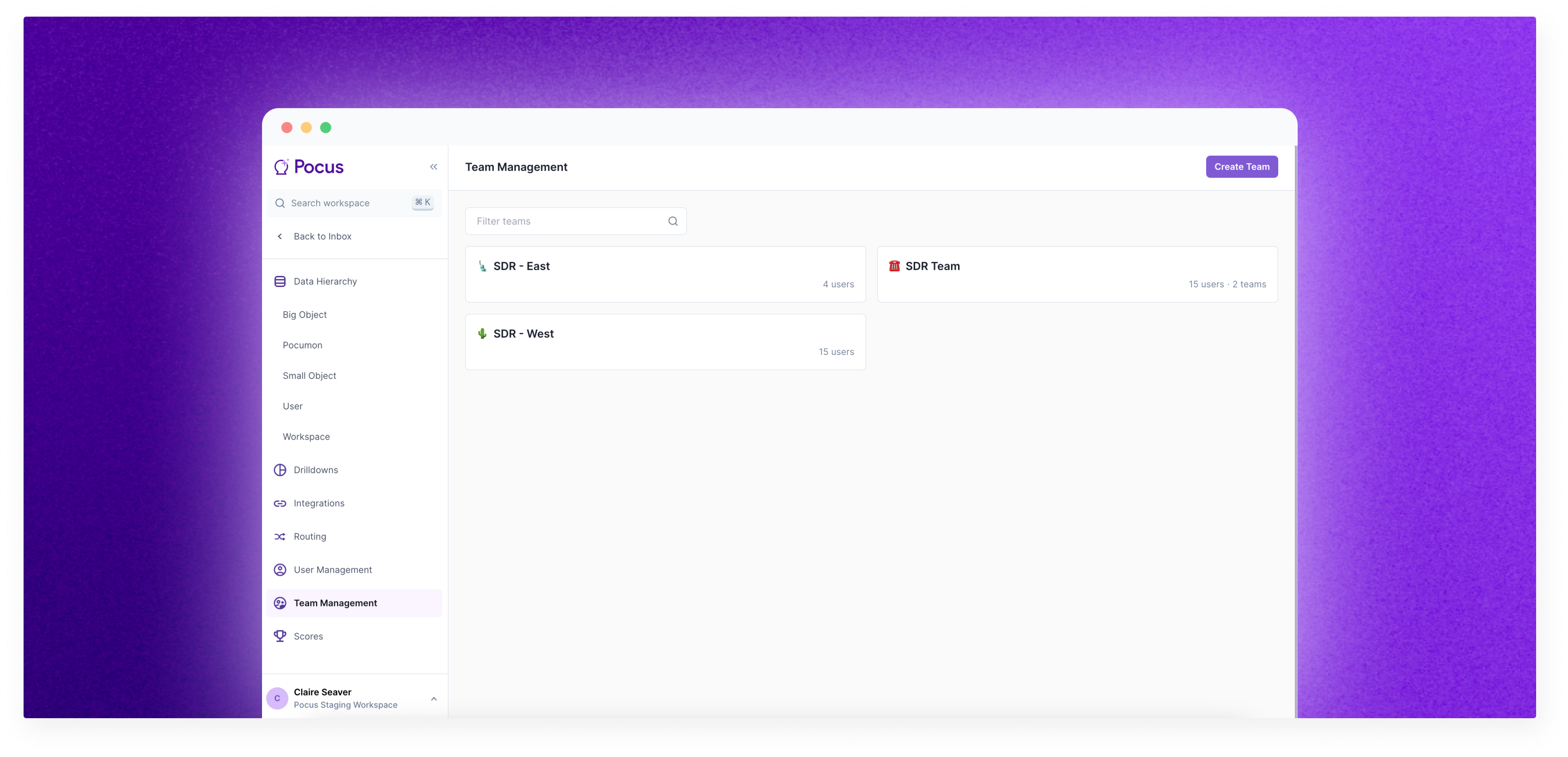
Teams make it easier to manage and keep track of groups of users in Pocus. Teams can be created and edited in by navigating to Workspace Settings > Team Management or with the CMD+K keyboard shortcut.
Where are teams used in Pocus?
Goal Assignment
When selecting what users should see the Playbooks in a goal, you can also select teams. Selecting teams means that all users that are in that team and that are ever added in the future to that team will see those Playbooks. Individual users can still be selected.
Coaching Filtering
The team field can also be used to quickly narrow down results when viewing Coaching. Individual users can still be selected.
Managing Teams
Creating a Team
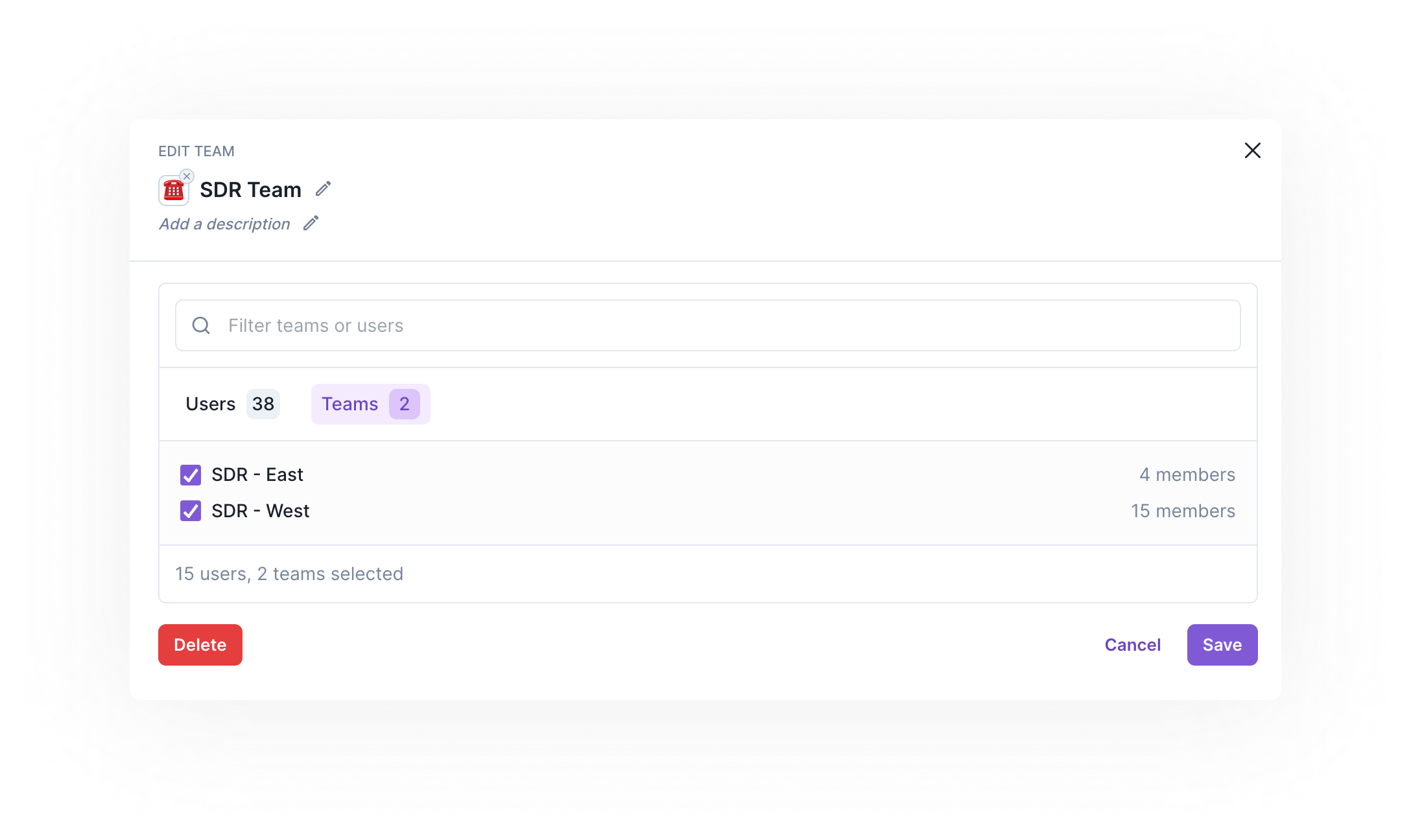
To create a team click the Create team button. Add a name and optional emoji and description, then begin selecting users to add to the team. Once other teams have been created, you can select teams as well to make larger teams. For example, a SDR Team can be made up of an existing SDR - East and SDR - West team.
Editing a Team
Users can be added and removed from a team by unselecting the checkbox. Removing or adding a user to a team in use will add or remove that user from any assigned goals.
Deleting a Team
When a team is deleted, all of it’s usage is automatically deleted, so delete cautiously.
Teams in teams in teamsTeams can be made up of other teams. If a sub-team is selected, those users are automatically selected and cannot be removed. If you only want a portion of users, select those users individual.
Parent teams cannot be used inside of child teams. For example, the
SDR - Eastteam cannot be made of theSDR Team
FAQs
- Why is a user not seeing a goal or playbook?
- Ensure that the user is either in the selected team or that user is explicitly selected.
- If a user’s account is deleted, will they be deleted from the team?
- Yes, once the account no longer exists, they will no longer be a part of the team.
- I changed teams, will it be automatically updated?
- Teams are manually set in Workspace settings at this time, but our team is happy to help with initial setup via CSV. Feel free to send over a team name <> user email mapping.
Updated over 1 year ago