

Gong
How to integrate with Gong
Why connect Gong and Pocus?
A Gong integration can be used for quickly adding users to Gong Engage Flows or pull in Gong meeting transcripts to power Pocus AI. This allows your sales rep to quickly take Gong actions on users they identify in Pocus and enables acceleration of your current Gong workflow.
Setting up the Gong Engage integration in Pocus
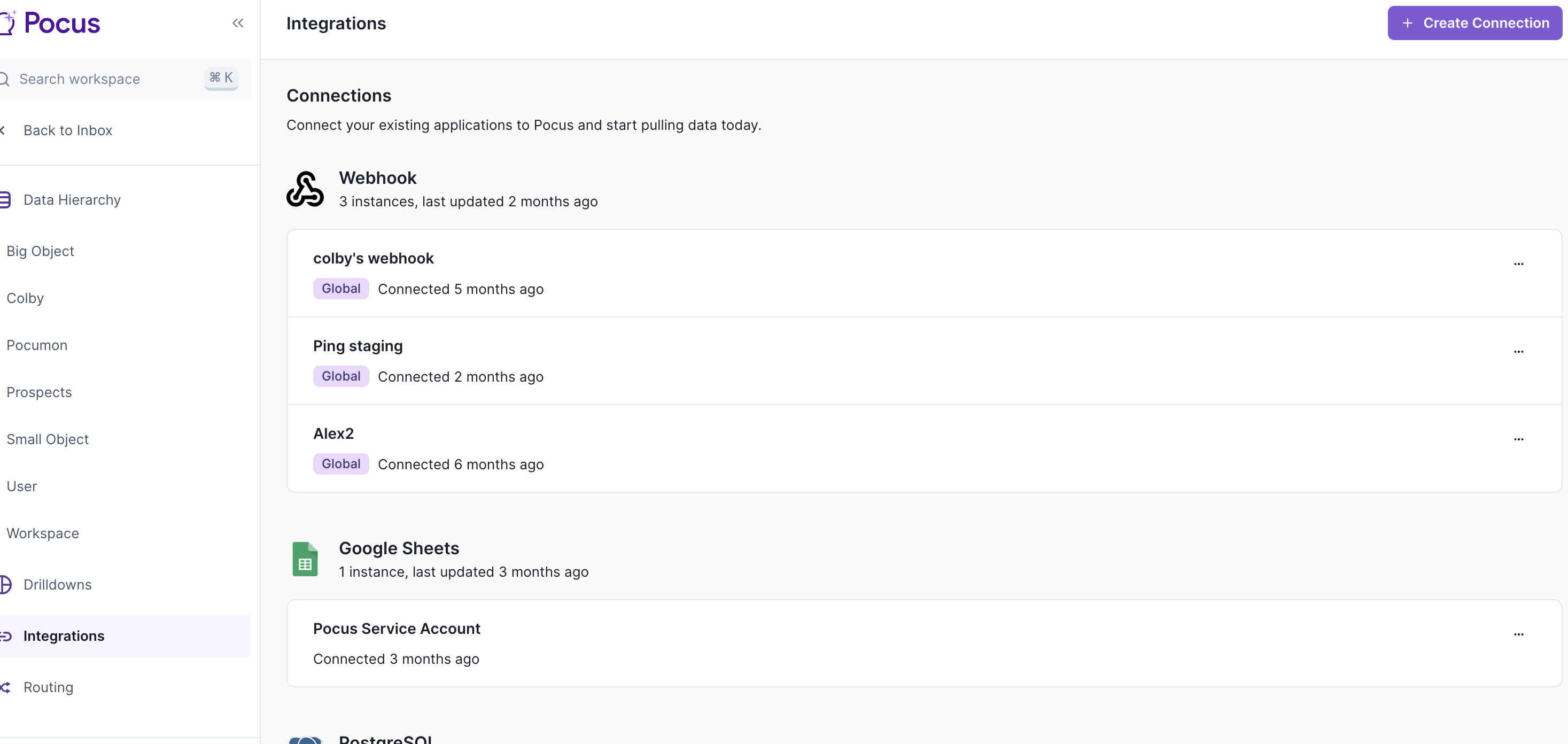
- Navigate to the Pocus Integrations Page and press Add a Connection
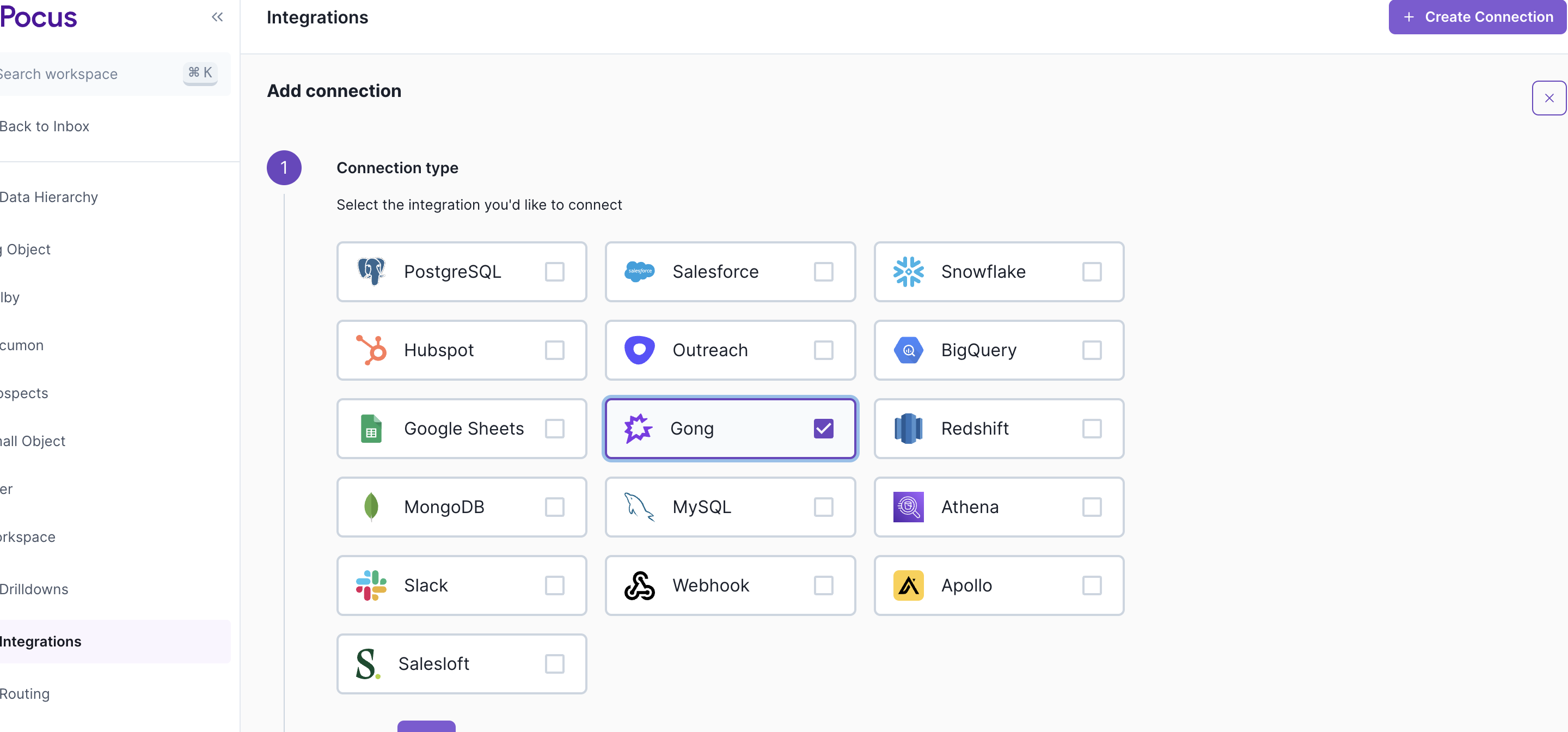
- Select the Gong connection type and press Next
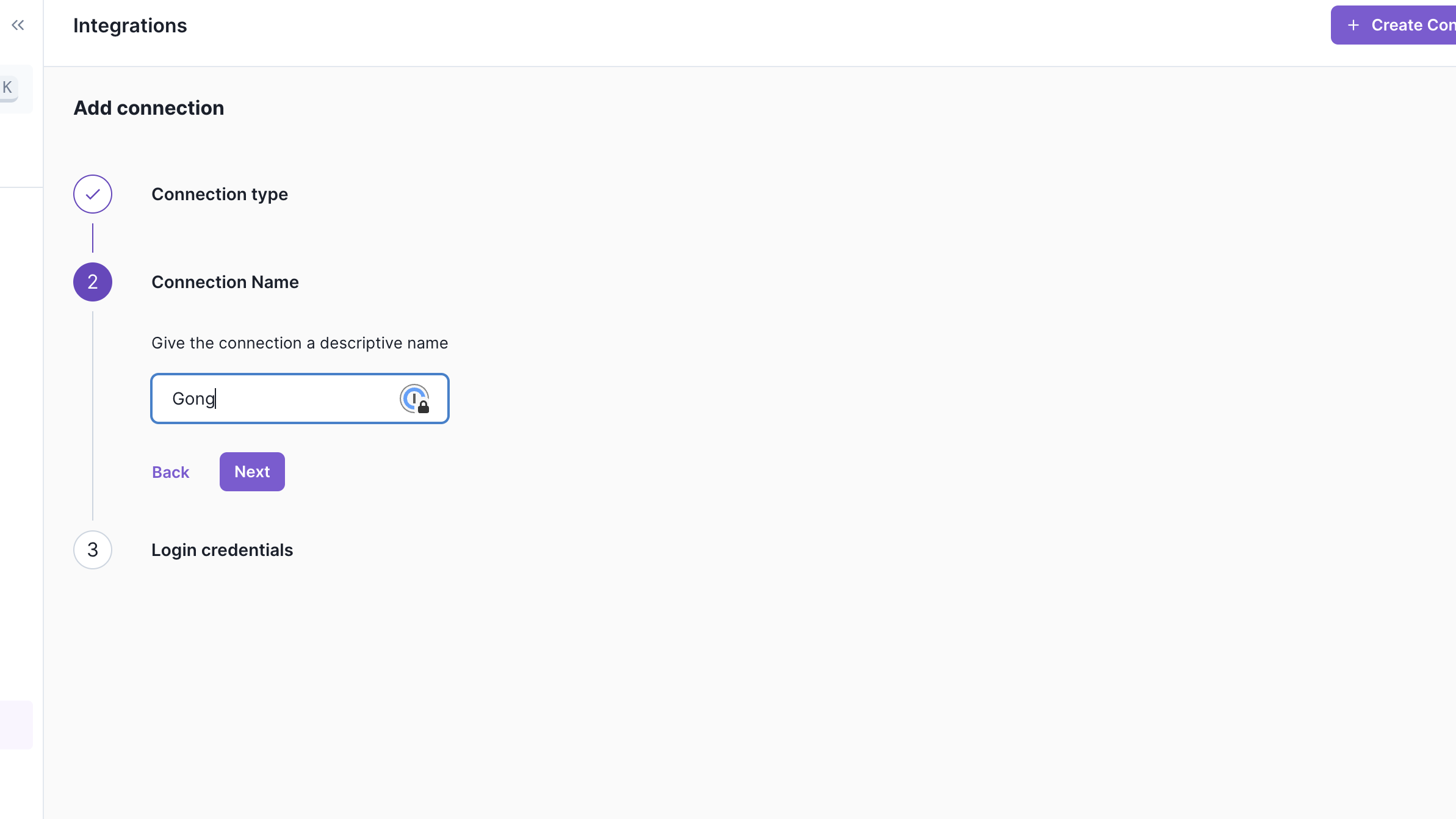
- Enter the name for this Gong instance. It can be helpful to include the integration user name here, and press Next
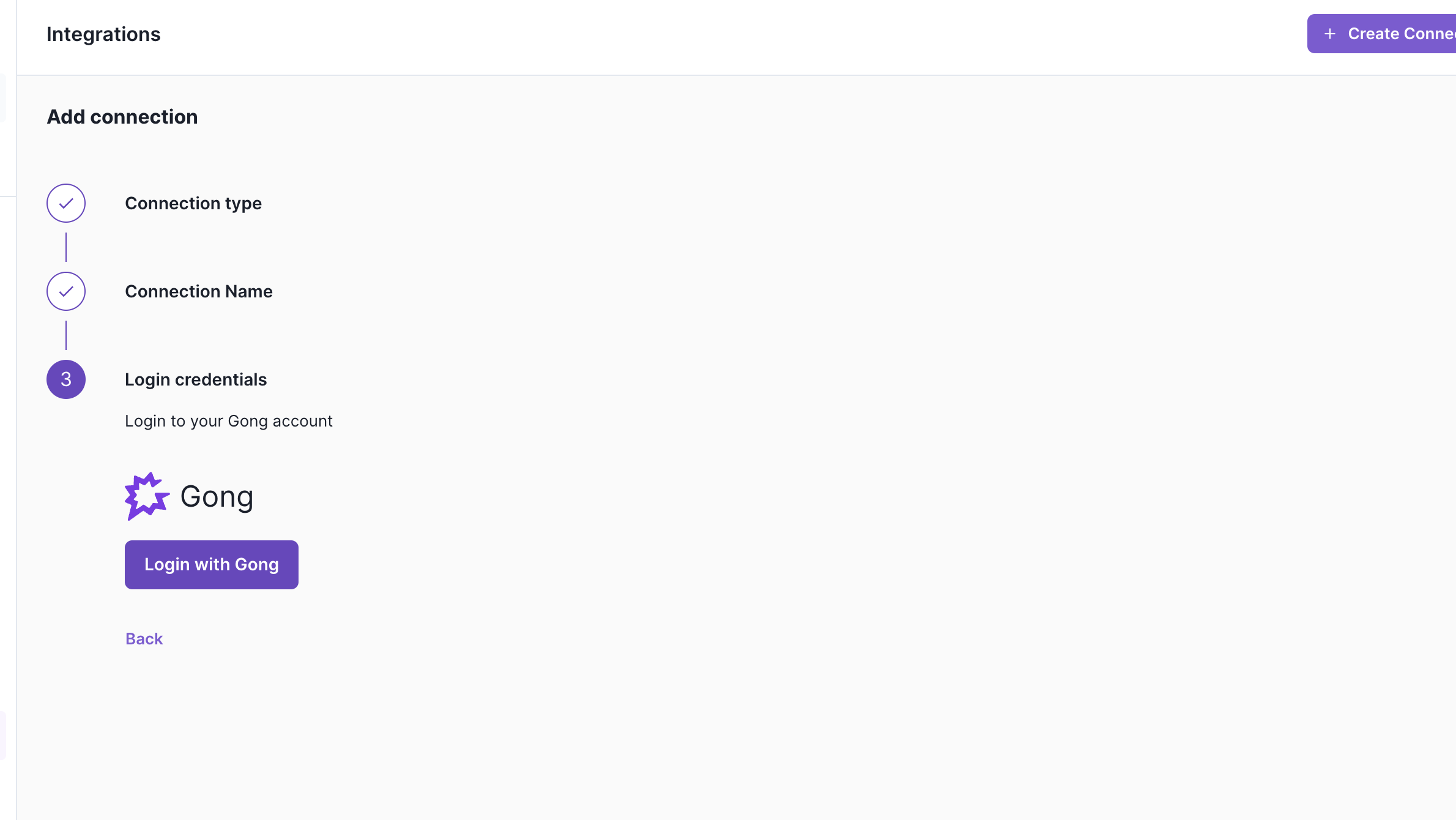
- Press Login with Gong and, if prompted, log in with your Gong credentials
- Press Allow
- The Gong connection is now set up!
- Configure the Gong Engage action on your Person object
Setting up the Gong (Transcripts) integration in Pocus
Note that the Gong (transcripts) integration requires a separate authentication and is limited to those workspaces with Pocus AI.
The Gong (Transcripts) Integration user will need permissions to export transcripts.
To limit the meeting that Pocus has access to, create the integration with an appropriately scoped Gong user.
-
Once the integration is connected, Pocus will start pulling in transcripts from meetings. These meetings will automatically be available in the Recent Activity tab for accounts and people related to the call.
-
AI Strategy, Chat, and email generation will all have access to recent call transcripts and summaries of calls. Please see our prompt library below for ideas on how to engage with the Gong transcript data!
🔍 Deal Health & Risk
- “What risks should I be aware of on this deal?”
- “What potential blockers did the prospect mention?”
- “Did the customer raise concerns about pricing, budget, or timing?”
- "What were the customer's key product requirements?"
- “Has the prospect mentioned competitors?”
- “What would prevent this deal from closing this quarter?”
🎯 Customer Goals & Priorities
- “What are the customer’s top business goals?”
- “What outcomes is the customer trying to achieve with our product?”
- “Did they share any KPIs or success metrics they’re targeting?”
👥 Stakeholder Engagement
- “Who have we been engaged with most recently?”
- “Which execs or decision makers have joined calls so far?”
- “Who seems most supportive / skeptical?”
📞 Call Summaries & Insights
- “Summarize the last 3 calls we had with this account.”
- “What were the main next steps discussed?”
- “What questions did the prospect ask most often?”
- “What objections came up?”
- “Has our champion reiterated the same priorities across calls?”
🛠️ Execution & Next Steps
- “What follow-ups did I commit to in the last meeting?”
- “What’s the mutual action plan so far?”
- “What should I prepare for the next call?”
- “Where are we in the sales process based on recent calls?”
Updated 12 months ago