

Databricks
Set up a Databricks integration in Pocus
-
Go to your Workspace Settings -> Integrations -> Create Connection and select Databricks
-
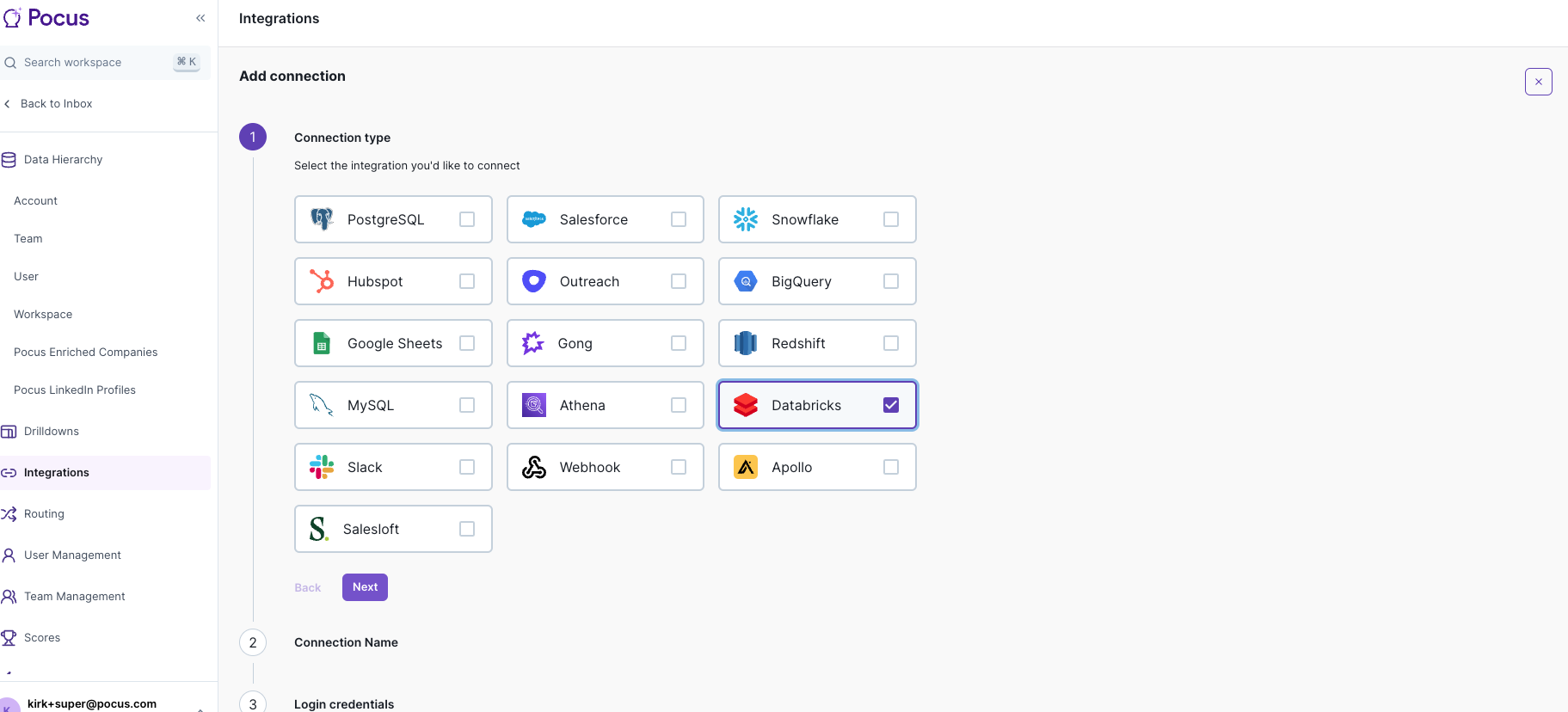
Click next and name your connection
-
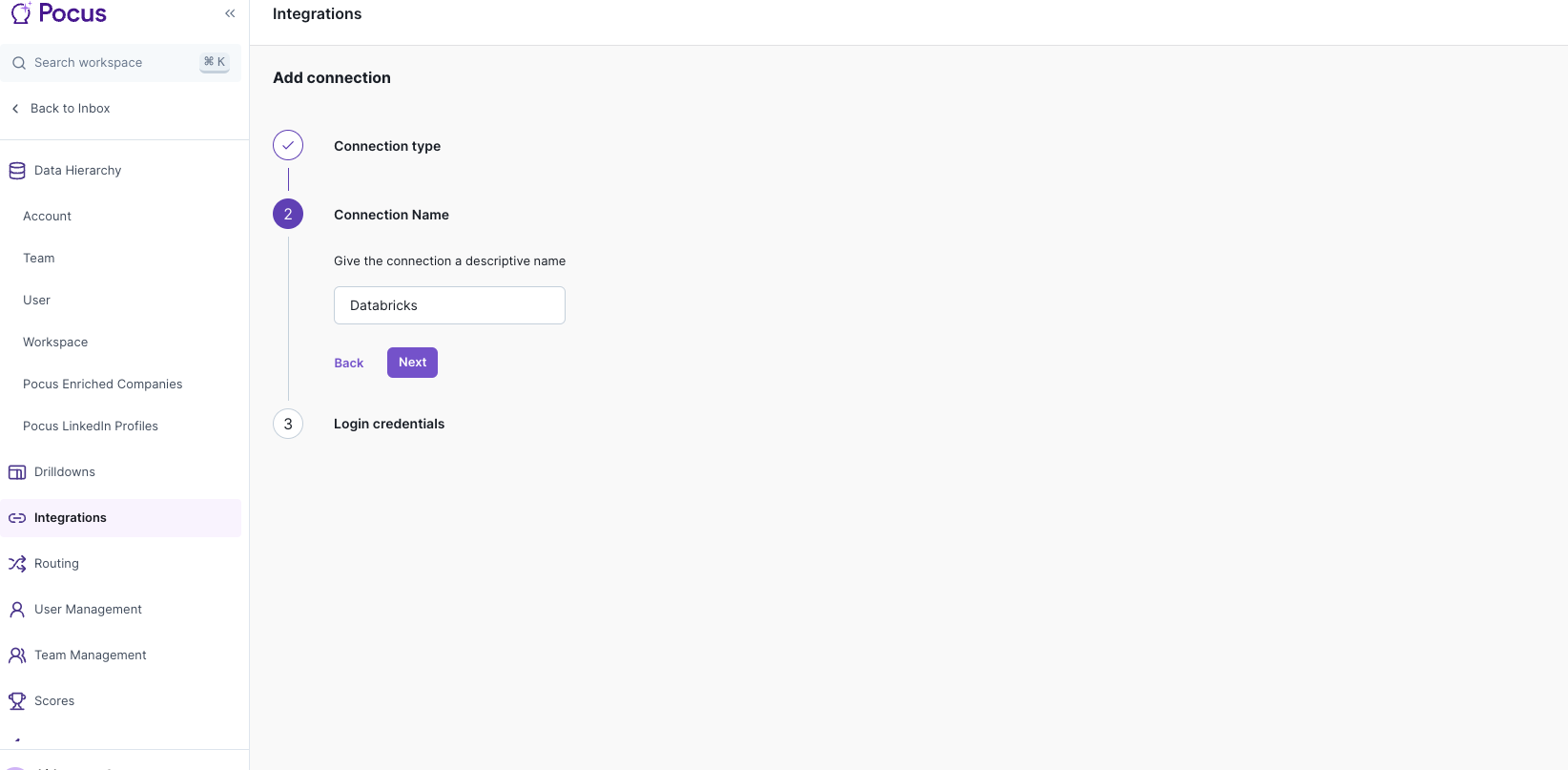
Click next and then enter the required Databricks information. There are hover overs with links to documentation on where to find this information for Databricks
-
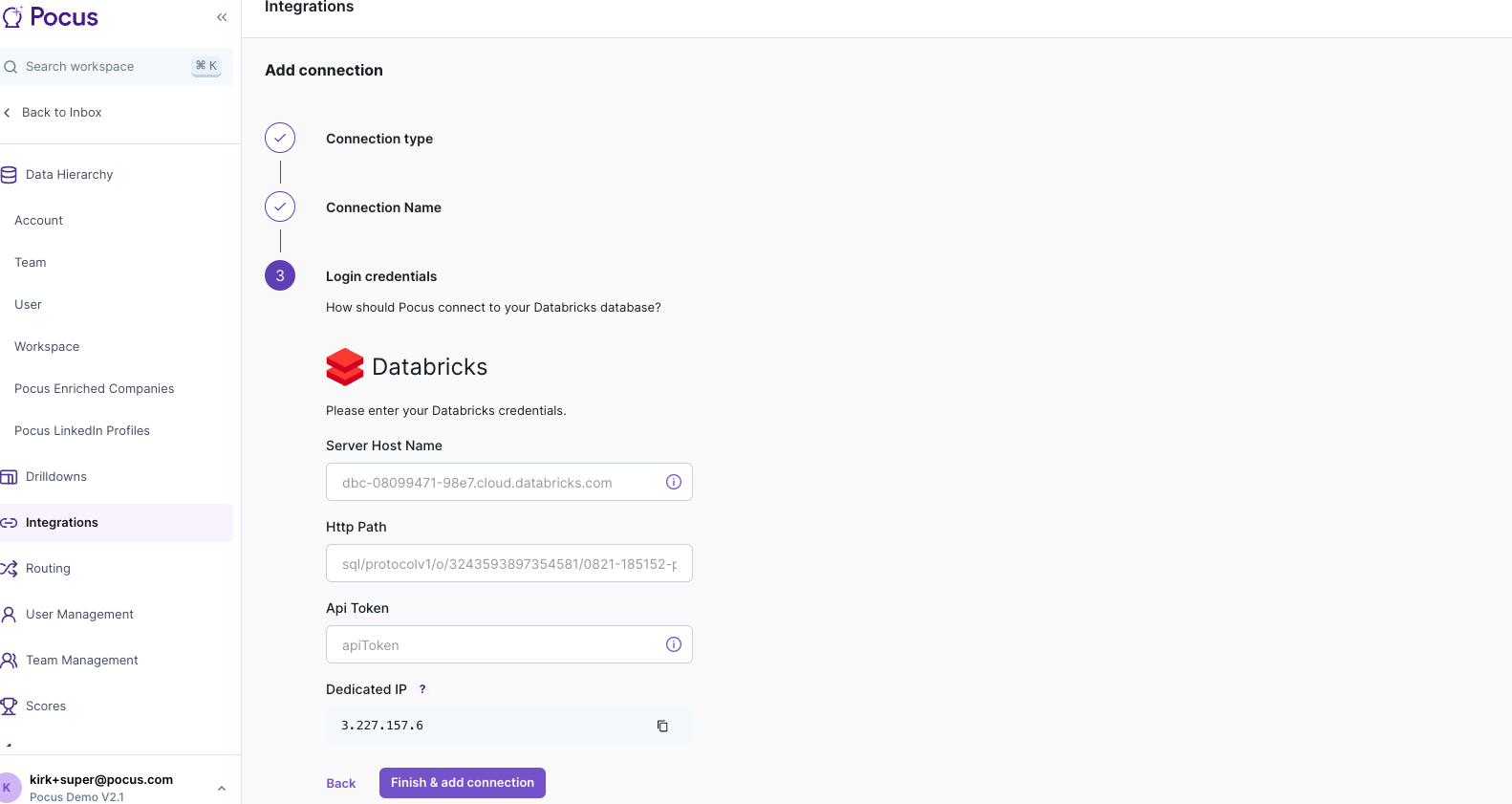
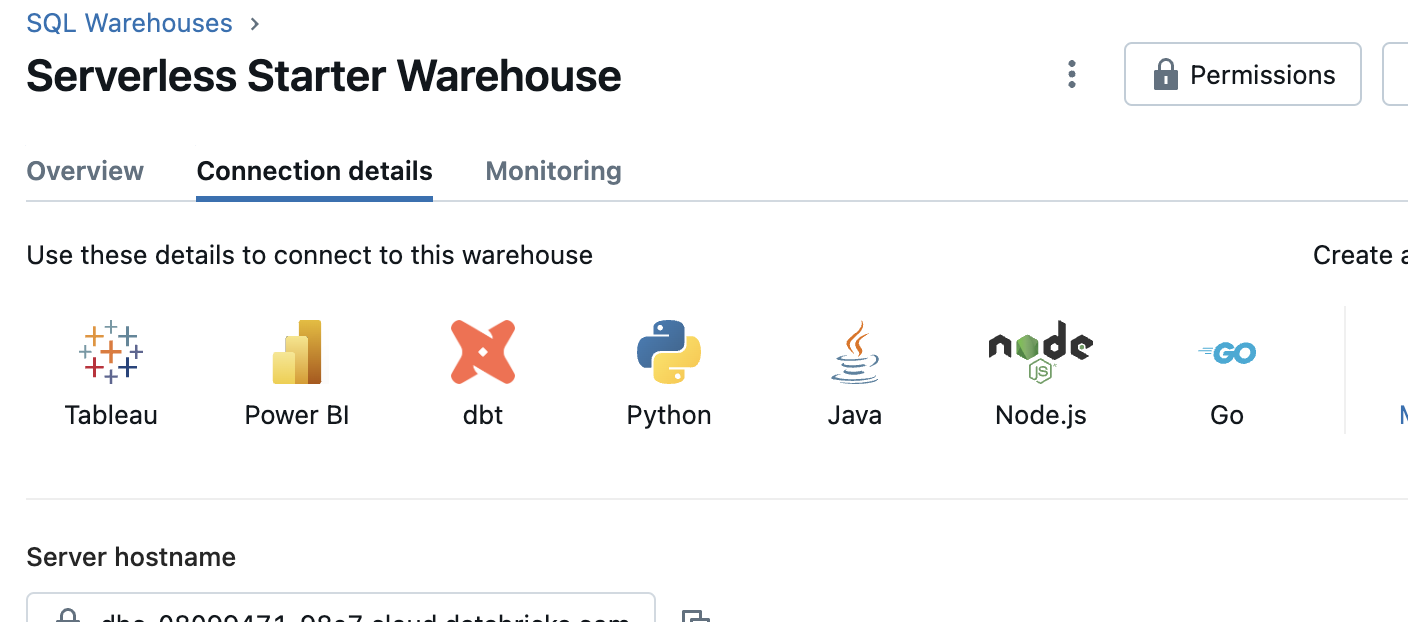
Information needed is the Server Host Name, Http Path and an Api token. To get these go to Databricks and find the warehouse or cluster you want to connect to. For warehouses Go to SQL Warehouses and select the one you are going to connect to:
-
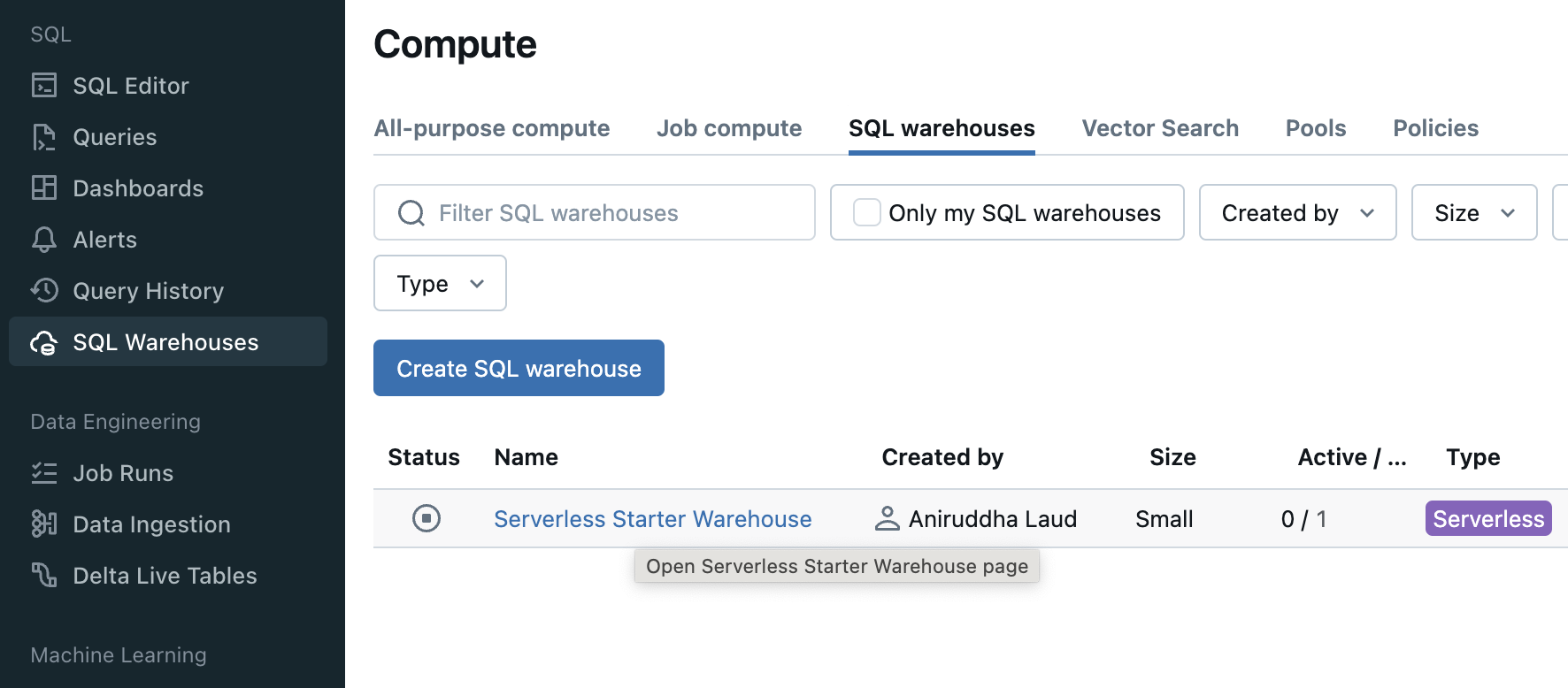
Click tab Connection details to get the Server hostname and HTTP Path
-
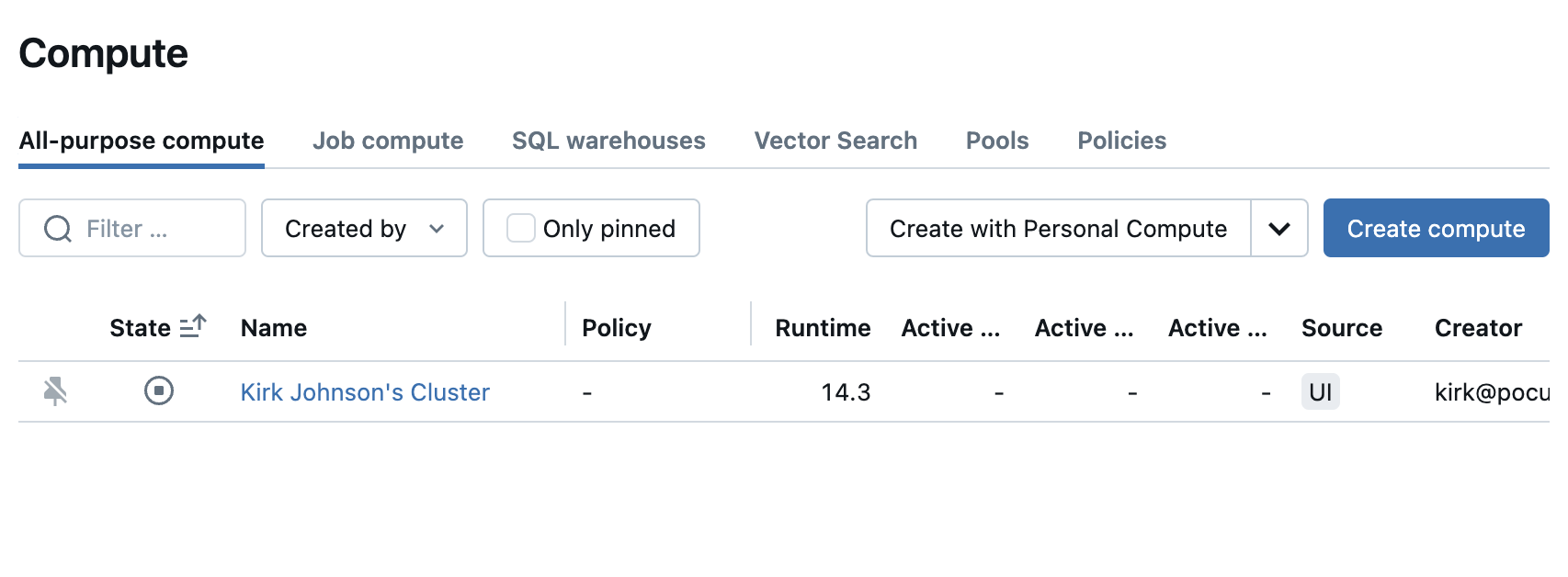
For Compute go to Compute Click the cluster
-
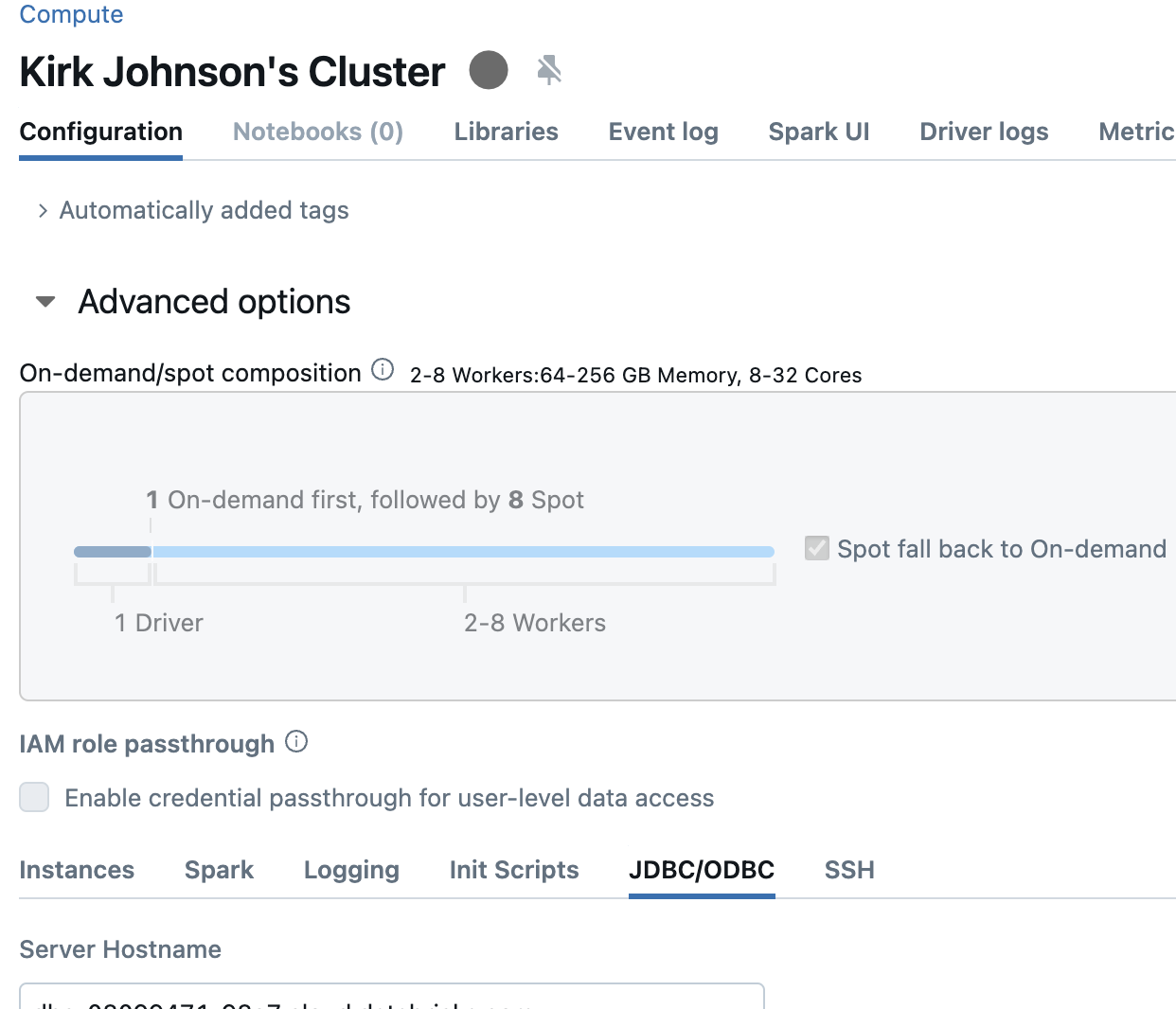
Then find the information in Configuration -> Advanced Options -> JDBC/ODBC
-
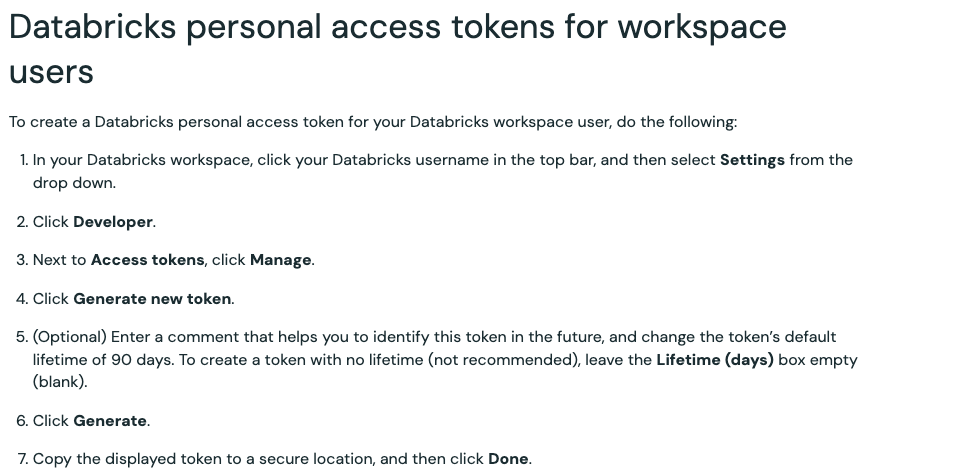
To generate an api key for application:
-
Use these values and save your configuration and that's it you now have a working Databricks connection you can use to make queries and add to your data models.
Updated over 1 year ago