

Drilldown Tabs
Types of Drilldown Tabs
Recent Activity Tab
The Recent Activity tab displays a timeline with the entire feed of activity that has happened on the record within Pocus, including:
- Which Playbooks the record was enrolled in
- Any Goals met by that record
- Any Actions taken in Pocus on that record (i.e added to sequence, snoozed, marked done)
Associated Object Tabs
Associated Object tabs are powerful ways to explore related records and do deep account research. Each will show you a list of all records associated with the main Drilldown record. You can also toggle the tabs if you want to hide them!
From each tab, you can add fields, filter, sort, and configure actions — just like you can for a List or Playbook.
You can even create and save Views! Think of Views as saved filters, where you can easily set up saved lists for groups such as Power Users, Senior+ Users, Open Opportunities, and more.
Tasks Tab
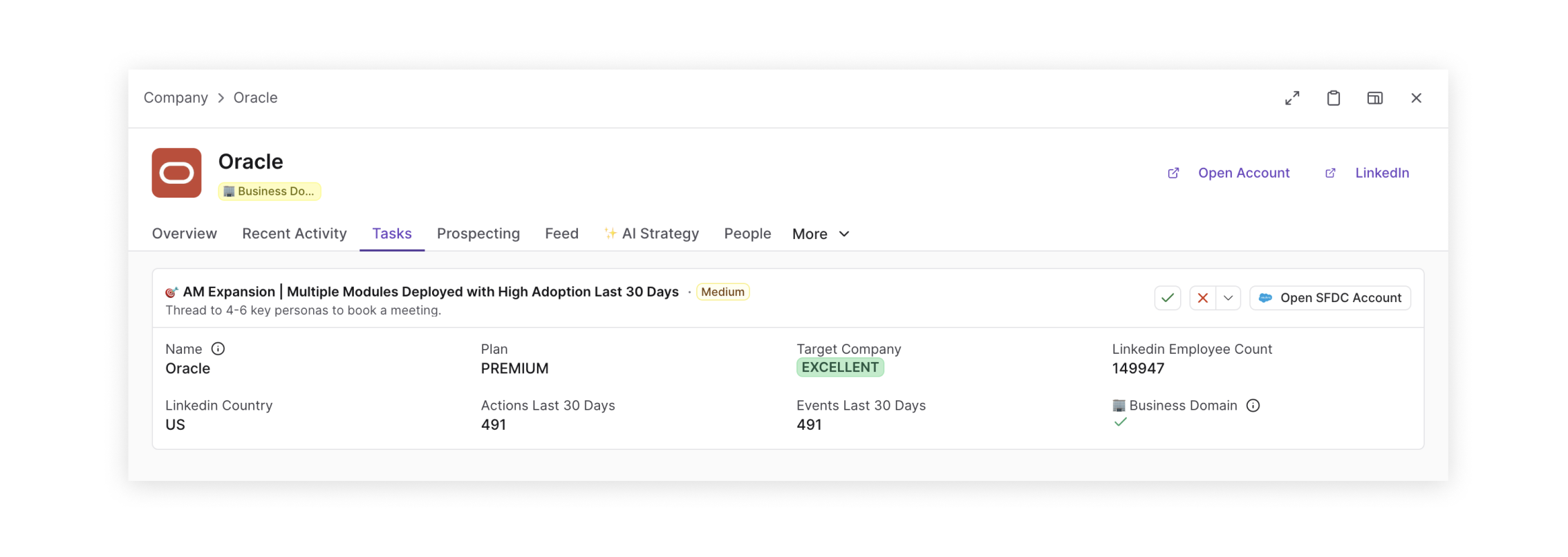
The tasks tab is automatically generated on company or person drilldowns. It consolidates all playbook activity on objects related to the record (e.g. if you're looking at a company, it will display all users at that company who qualify for a playbook). You can invoke actions and mark items done directly from the tasks tab!
Prospecting Tab
The prospecting tab will be sunsetting July 1 for the new People Tab and SmartMaps that both have more robust filtering capabilities.
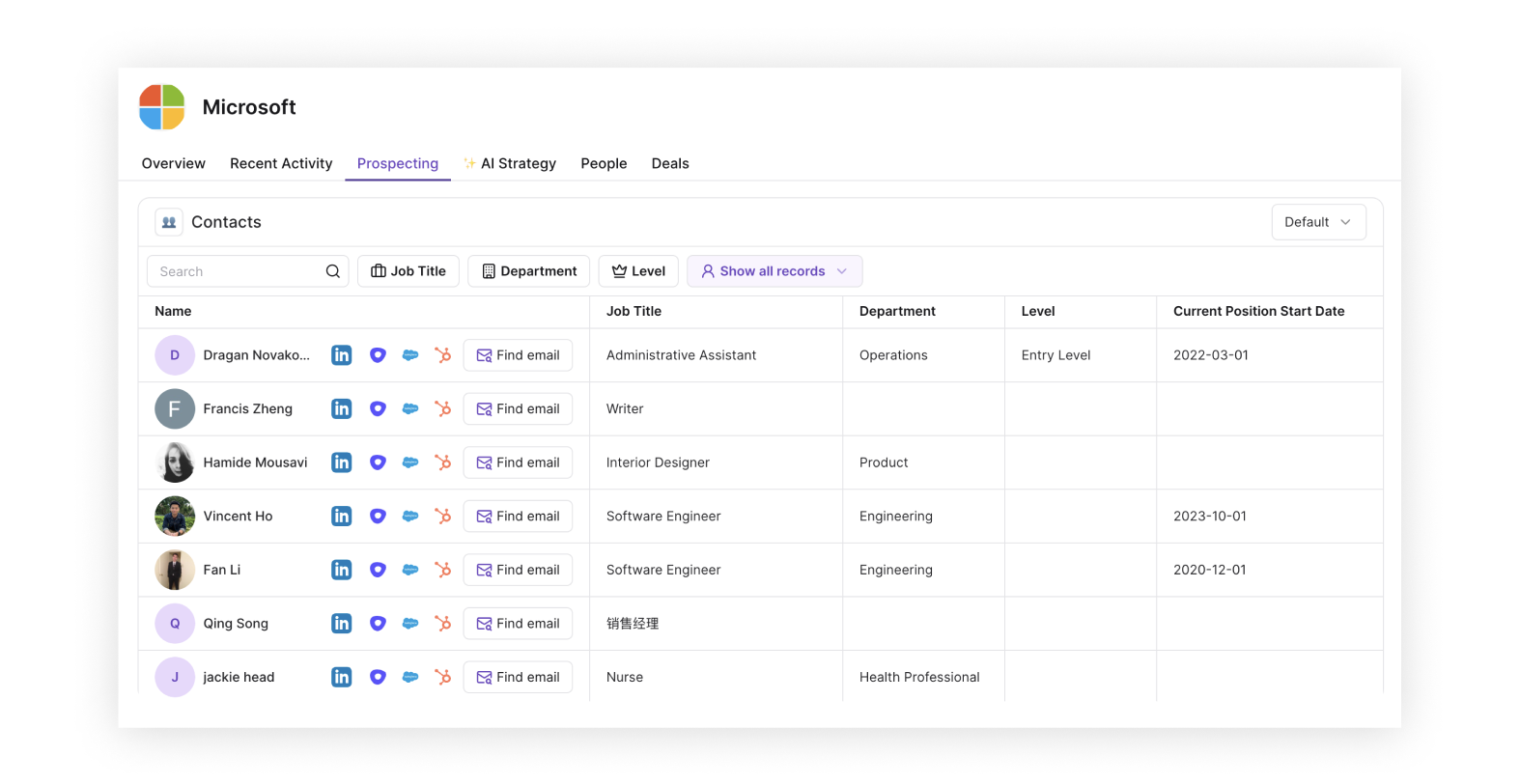
When looking at a Company or Account-based Drilldown, you’ll see the Prospecting tab. This tab uses Pocus’s AI enrichment to surface new prospects that may not exist elsewhere in your CRM or product database. This gives you a powerful way to prospect net new leads at the company and gain intros into the company.
AI Strategy Tab
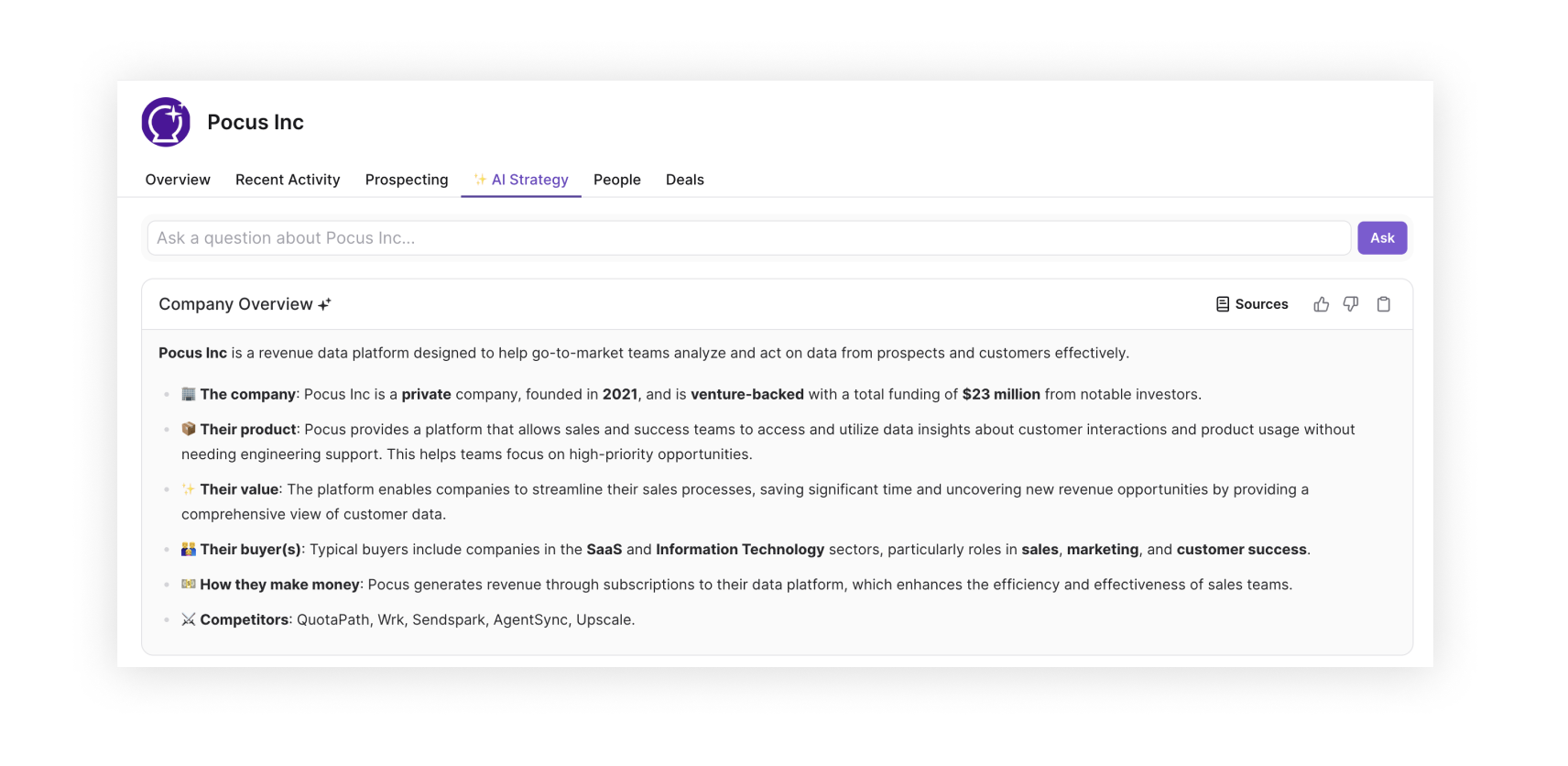
The AI strategy tab uses Pocus AI tools to surface relevant news and insights related to the company or user displayed in the current drilldown. You can use the tab to generate an overview of the company including firmographic data and publicly available information. The AI strategy tab also allows you to ask more specific questions about the company and view the sources online which were used to inform the answer.
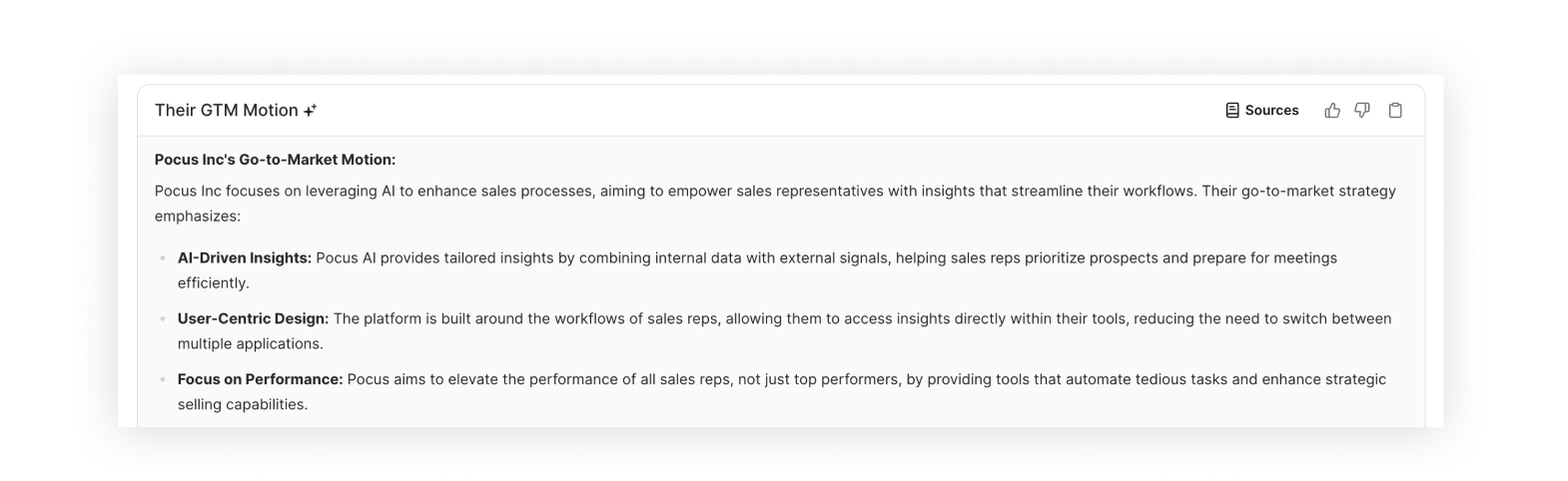
In addition to creating a general overview of the company, you can also configure the AI strategy tab with custom prompts to give you specific information. In the example above, Pocus AI trawls the web for information on the GTM motion of the company you're exploring.
Updated over 1 year ago