

Okta SSO
Configuring Okta SSO in Pocus
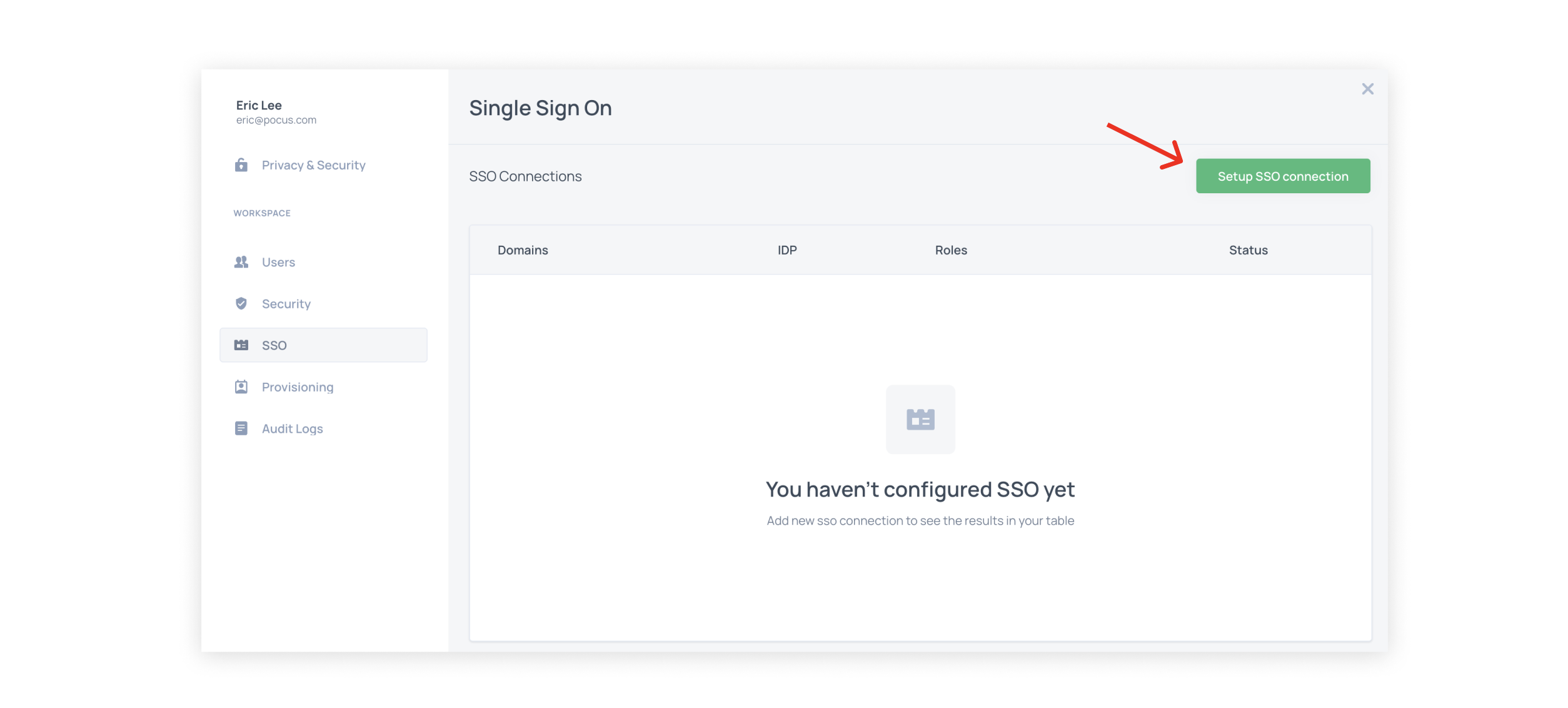
To begin configuring Okta SSO in Pocus, navigate to Workspace Settings > User Management > SSO > Setup SSO Connection. The green button should lead you to the setup instructions.
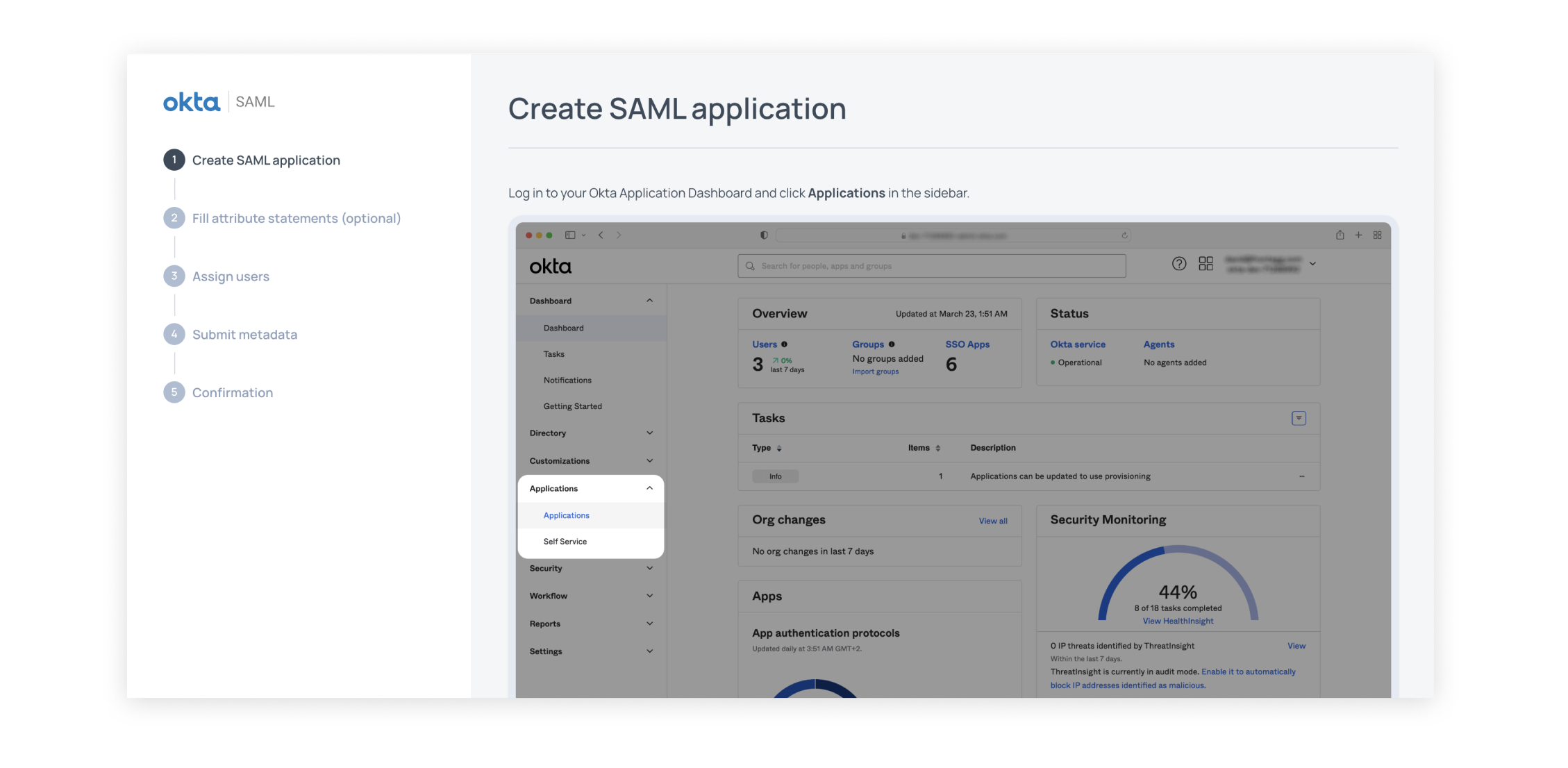
Follow the on-screen instructions to create and configure your SAML application in Okta. In the Assign users section you'll need to create Okta groups that map to the Pocus roles you want to give to reps and end users.
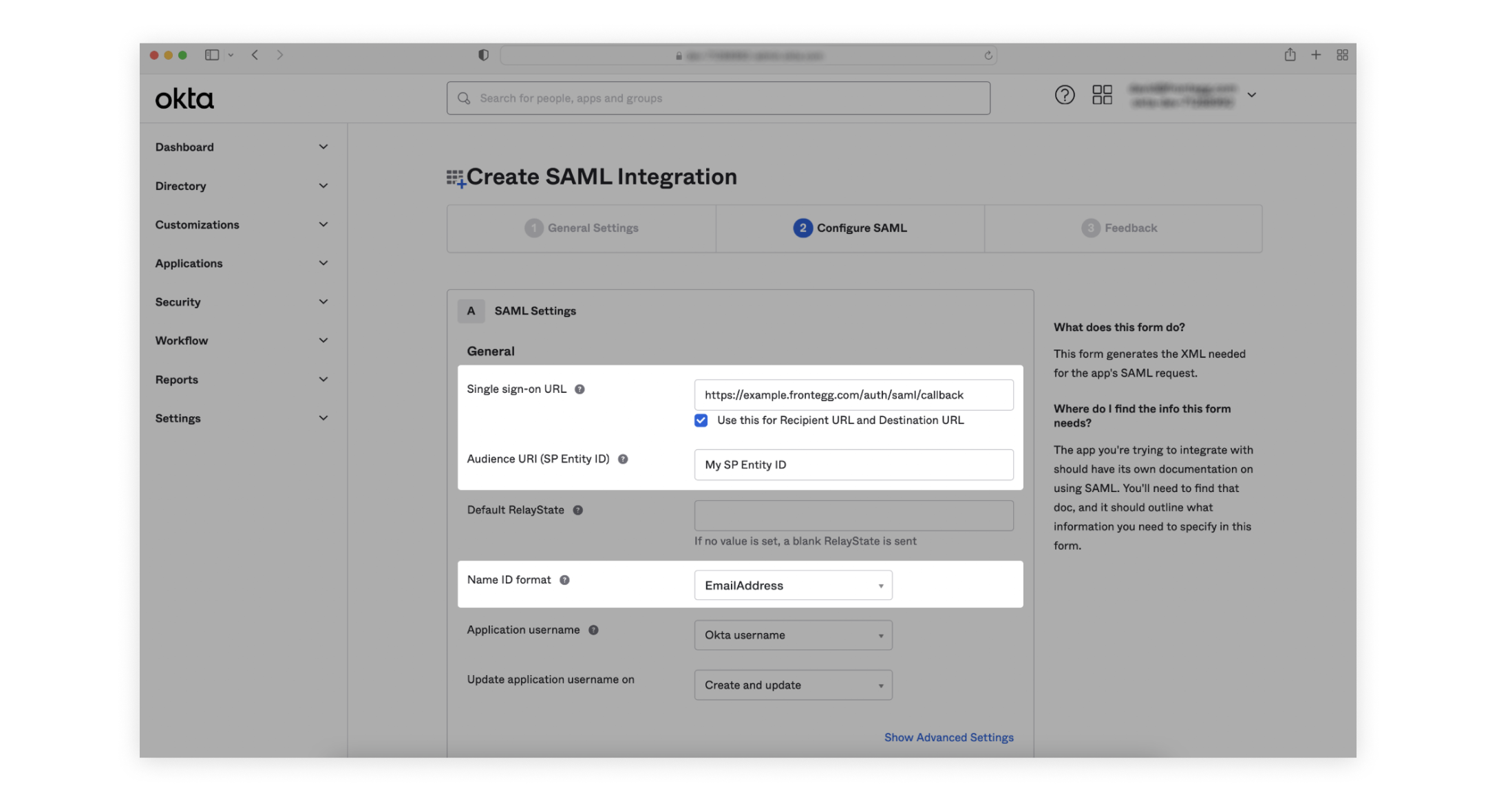
Configure SAML Integration in Okta
- For Single sign on URL, enter
https://auth.pocus.com/auth/saml/callback - For Audience URI, enter
pocus
You may leave all other settings unchanged.
Configure domain
In order to automatically authenticate all users from your domain, Pocus needs to authorize your ownership of your company's domain name. If you have access to edit DNS records, you may do this through the "Claim Domain" section of the SSO setup:
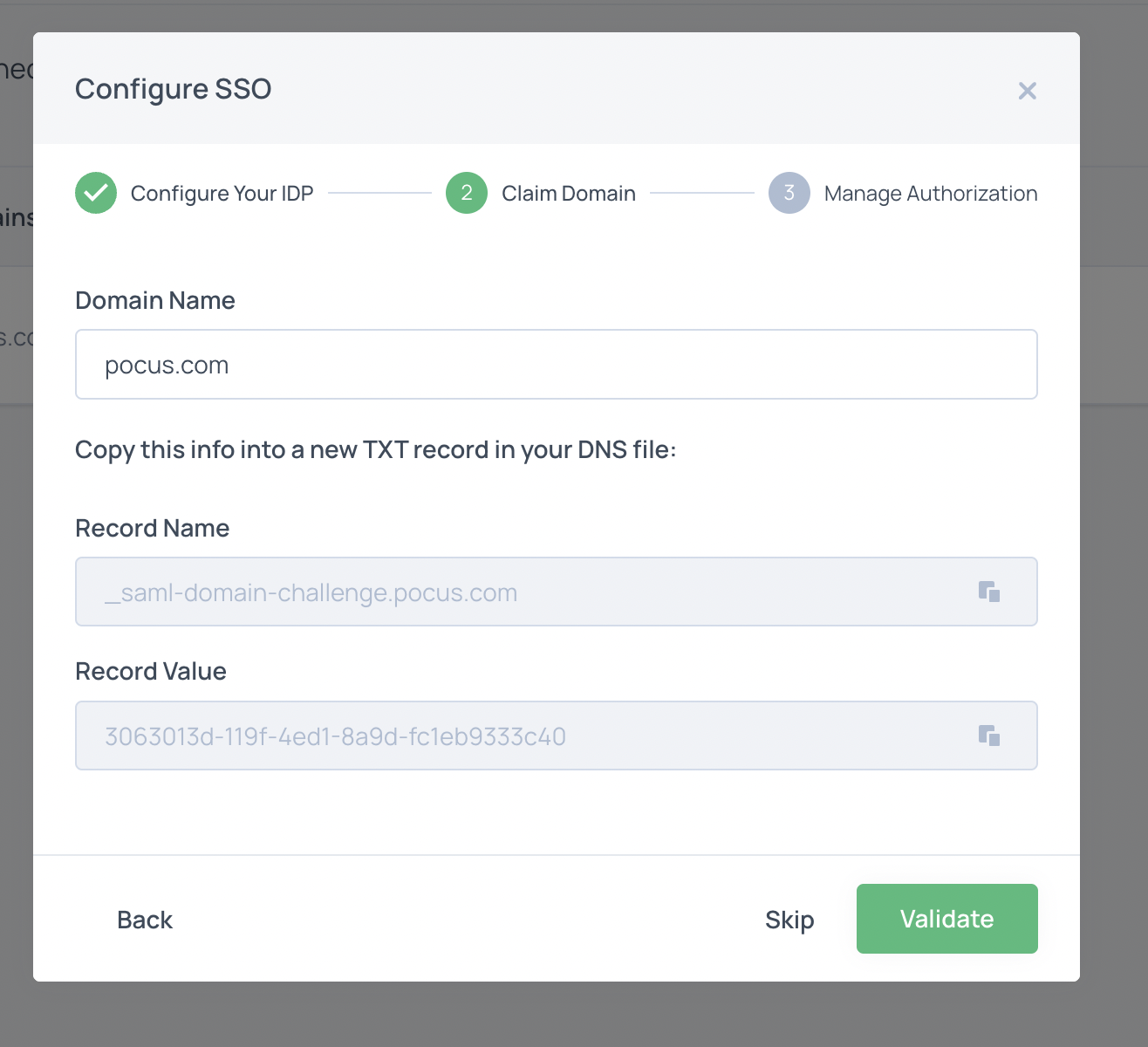
If you do not have access to edit DNS records, you may click "Skip" and contact the Pocus team. Upon request, the Pocus team will manually verify your ownership of the domain name without adding a verification DNS record.
Configure Authorization
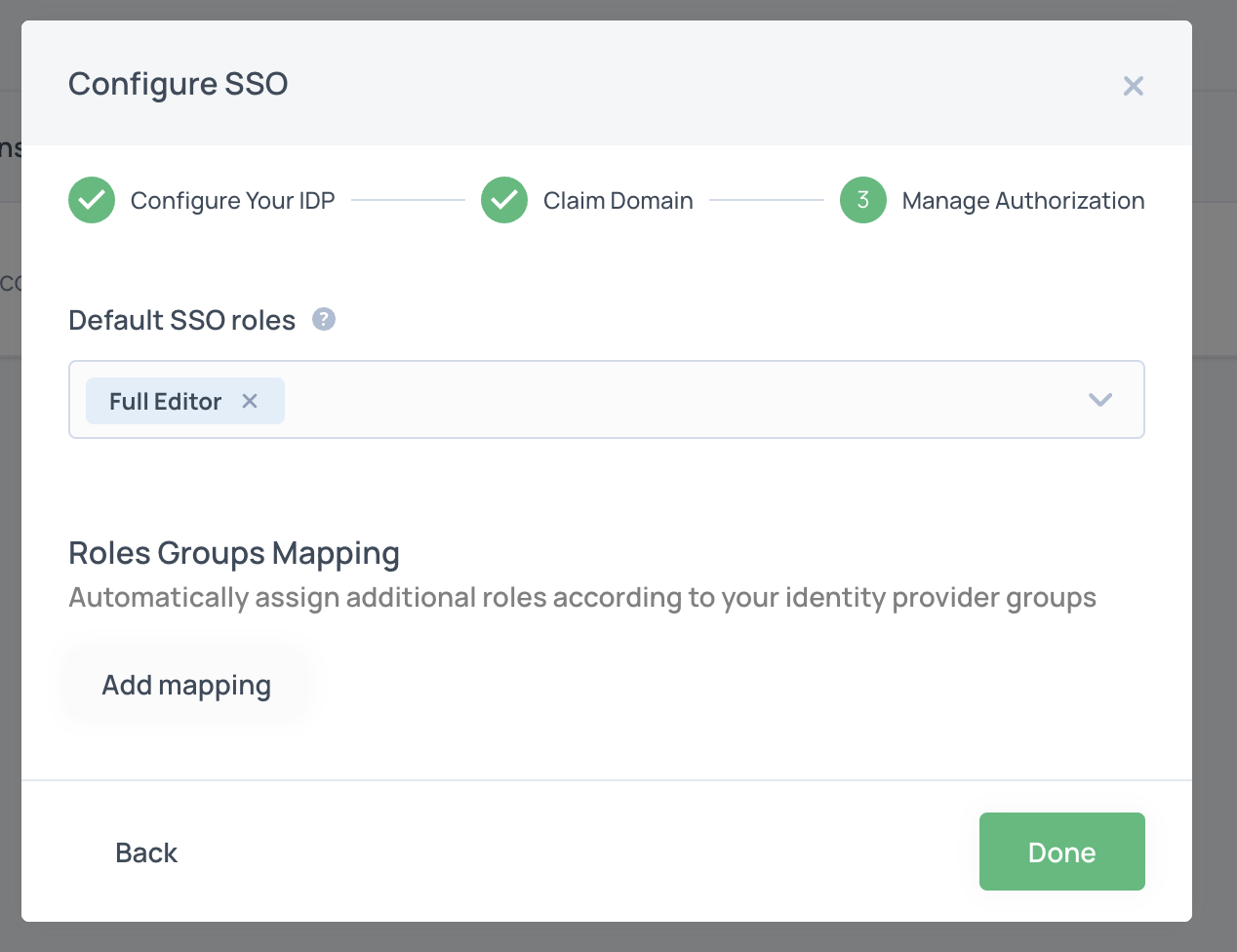
You must select the default role that users from your domain should have. If desired, you may also configure mappings between groups in Okta and roles in Pocus to handle automatic assignment of permissions.
Updated over 1 year ago