

AI Strategy from the Chrome Extension
Onboarding guide for Pocus AI Strategy users. Use this guide to understand how to setup your Pocus account and start generating robust account strategies with AI.
What is Pocus?
Pocus combines all internal and external data into a custom AI model that tells reps where to focus and how to win deals. Pocus helps customers like Asana, Canva, and Miro surface & close millions in pipeline, while saving reps hours/week digging through data.
What is AI Strategy
AI Strategy in Pocus accelerates the process of going from a prioritized account to a fully realized strategy with a few clicks. Get insights about accounts and people in your book of business. Get a high level overview of an account or person and a POV on how your product fits with their priorities. Insights are tailored to understand your business.
Insights in AI Strategy can be further tailored through customization of our AI model.
Watch a Demo of the Pocus Chrome Extension
Setup Guide
Step 1: Activate your Pocus account
You'll receive an email from Pocus. Make sure to check spam in case you don't see it. Click the link to activate your account.
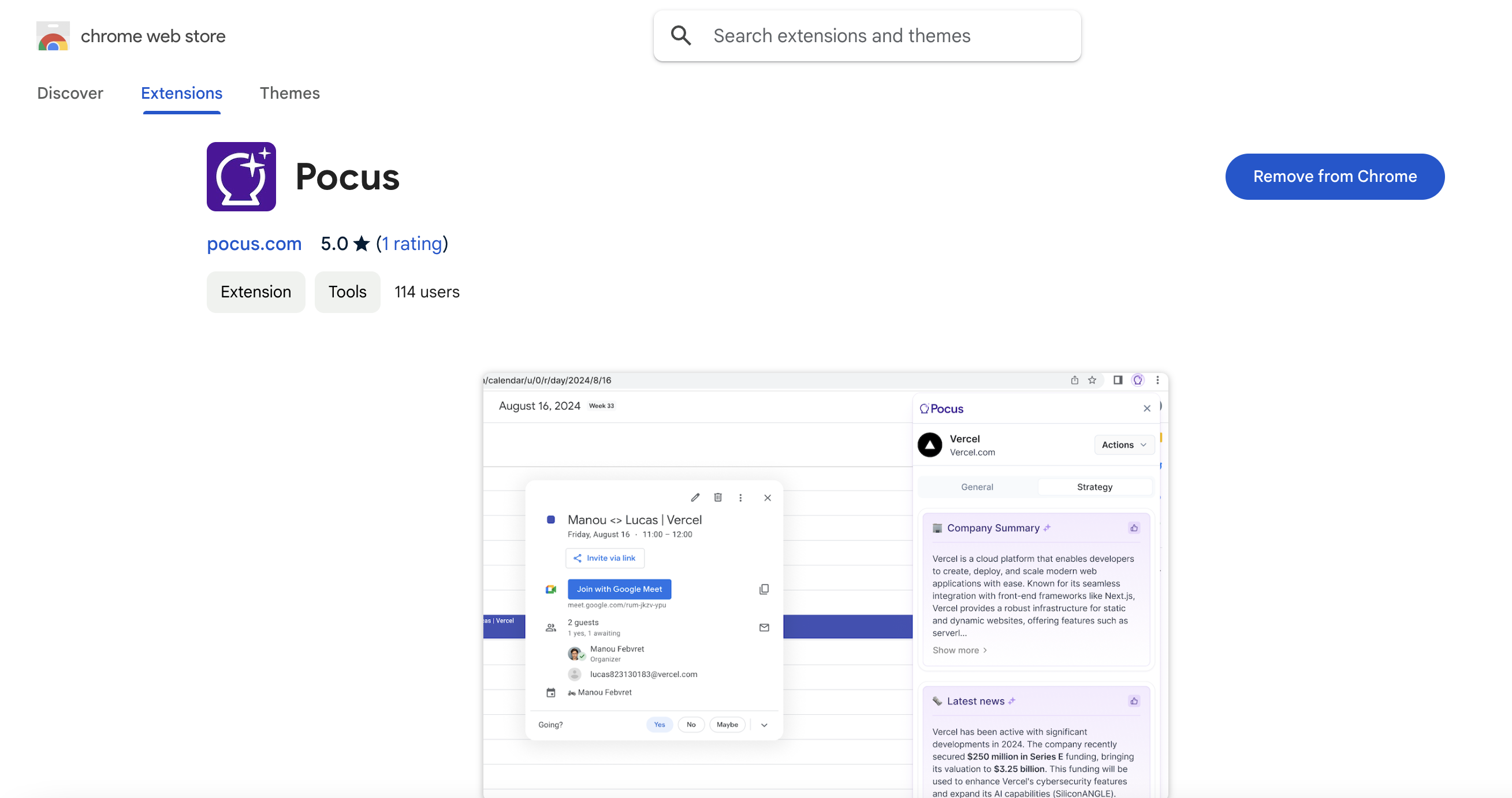
Step 2: Download Chrome extension
Download the extension here.
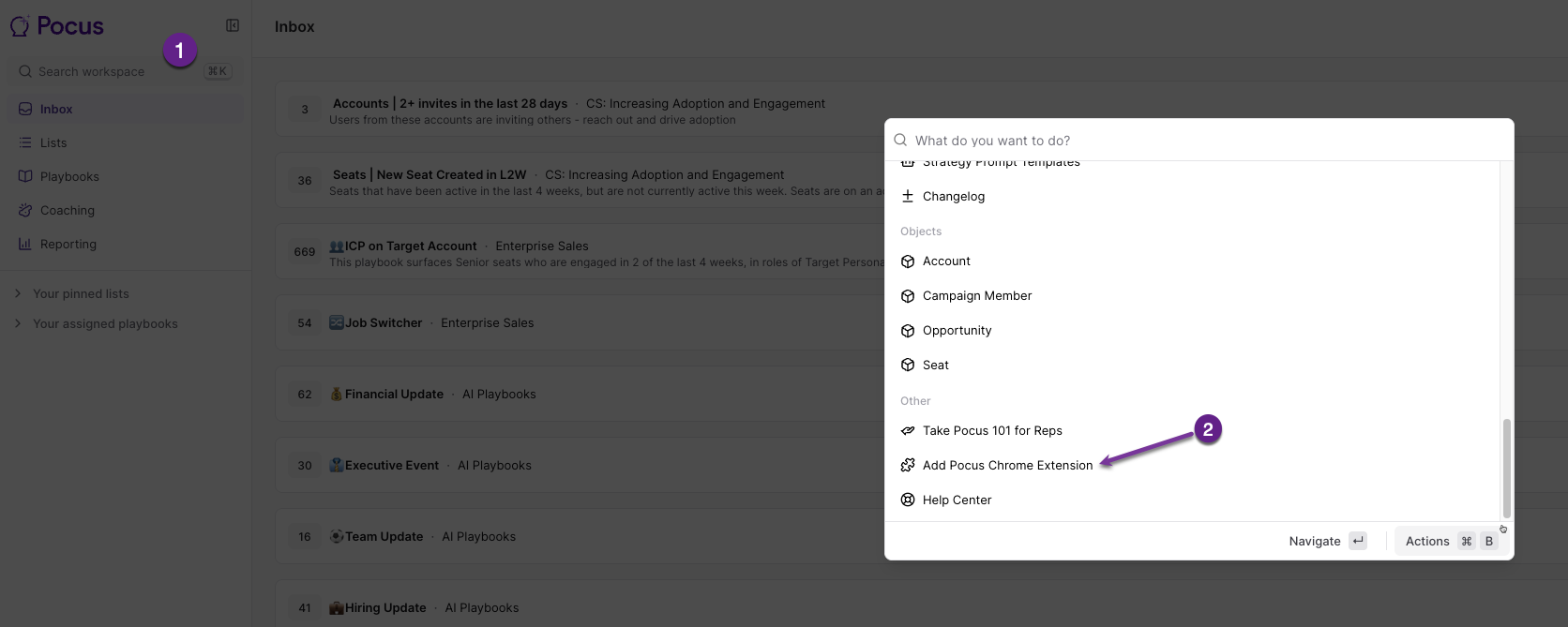
You can also access the download link from within Pocus! Click the "search workspace" box or use the keyboard shortcut cmd + k to open the search window. Scroll down to the bottom and select Add Pocus Chrome Extension
Step 3: Start using AI Strategy!
Watch a video walkthrough of the Pocus Chrome Extension here!
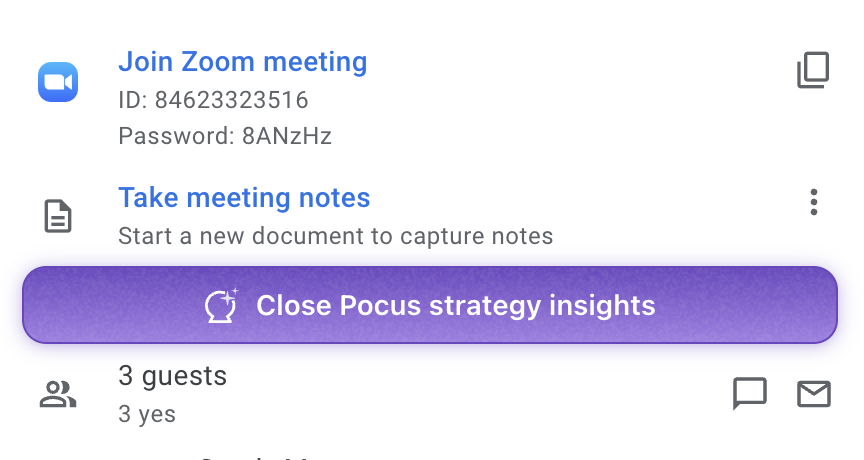
- Open Google Calendar and check out an upcoming customer call. You should see a Pocus button. Click to access AI Strategy insights.
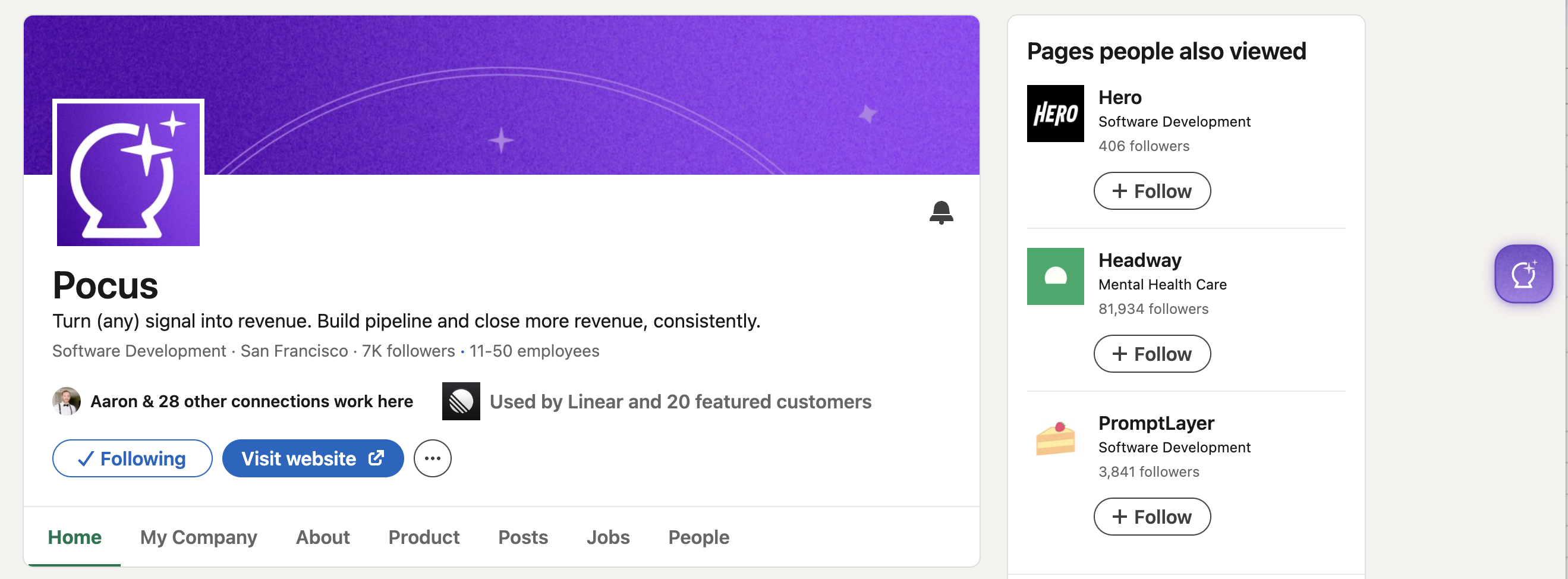
- Open LinkedIn and go to a company page you want to research. Click the Pocus icon.
- You'll see insights populate in the extension.
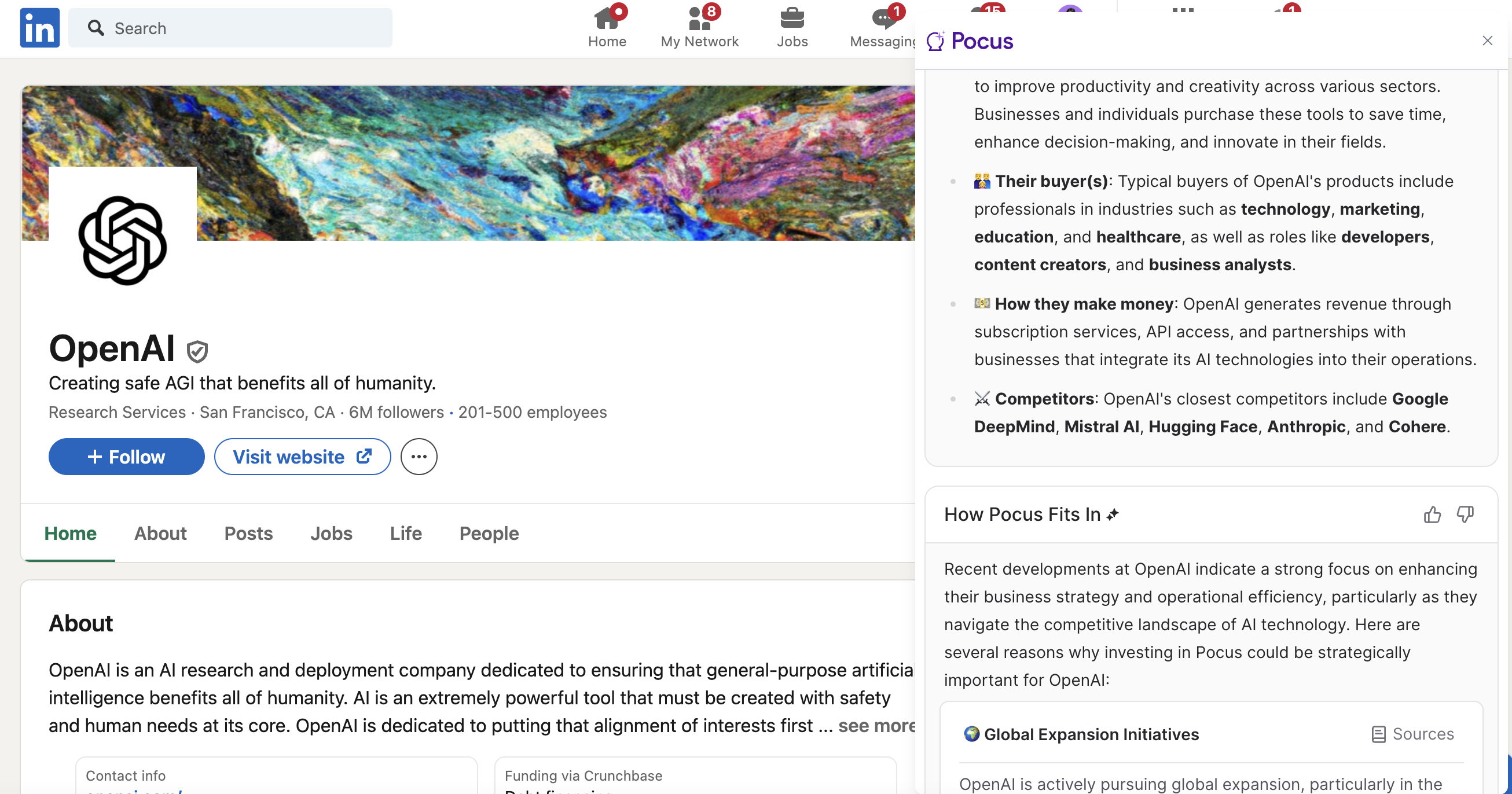
Step 4: Ask AI and Actions
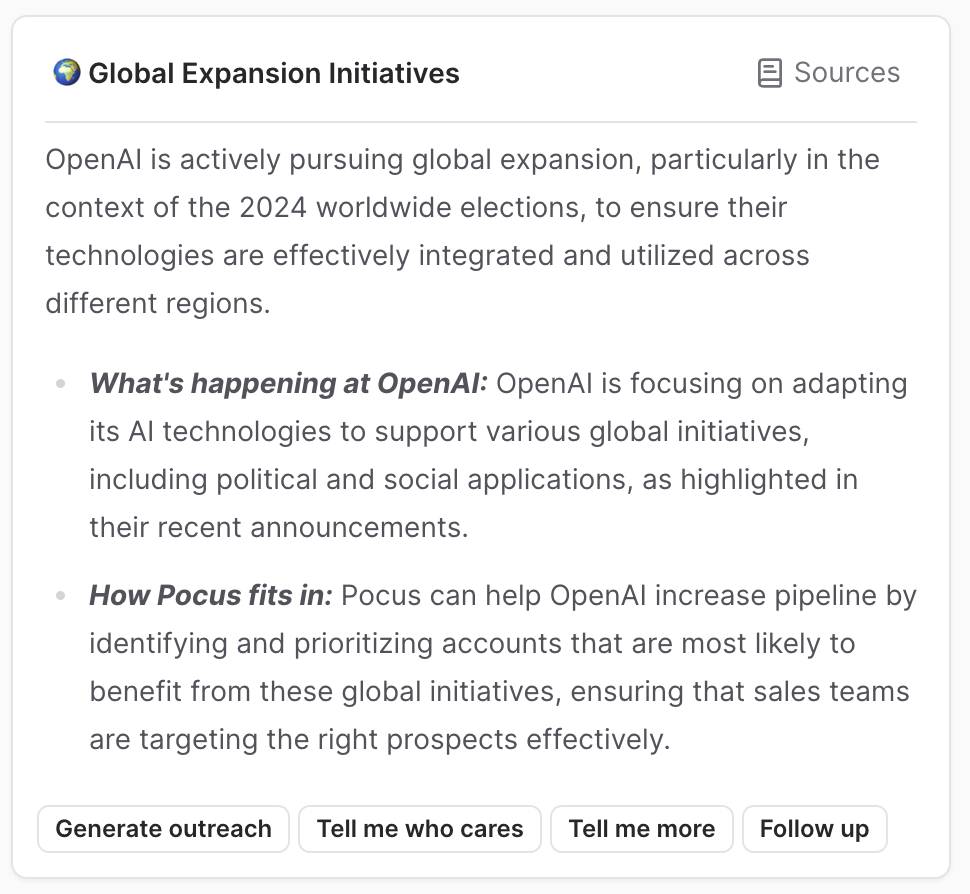
Once you're setup with your account time to start researching! Use the action buttons to drill deeper into the insights generated by Pocus. Use the action buttons below the insights to ask AI to generate outreach, find decision makers, learn more, or ask any other questions about the account.
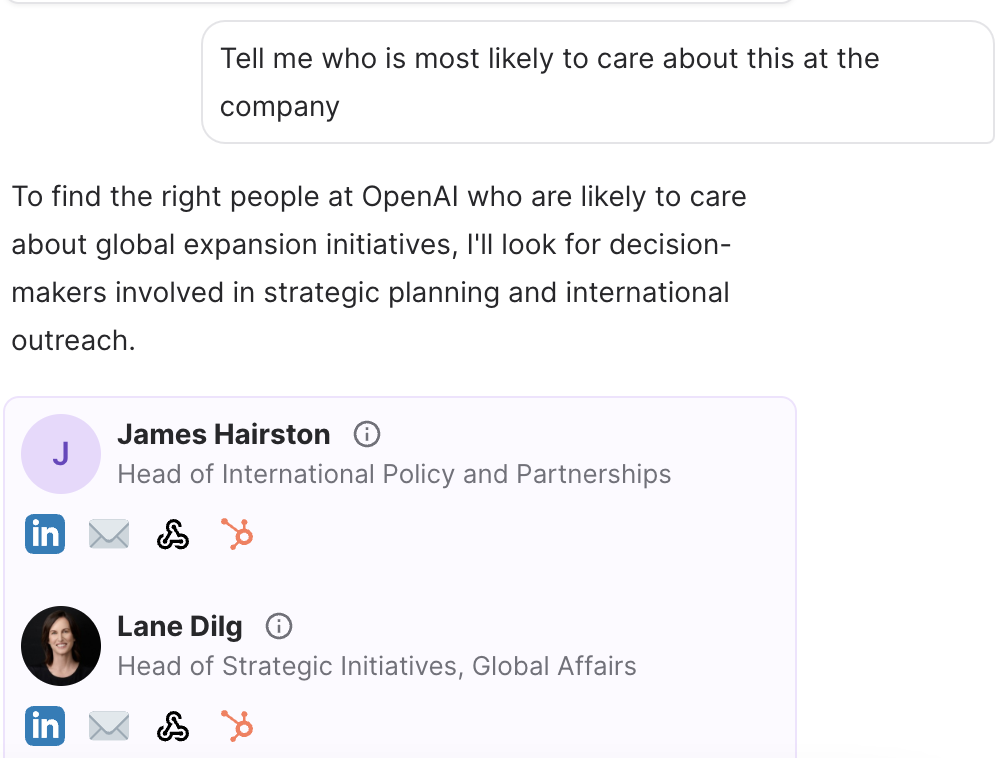
Ask Pocus AI to find decision-makers you can reach out to with the new insights you've gleaned.
Actions you can take:
- Ask AI: Use the search bar up top or click “Follow up” to ask Pocus AI questions about the account
- Generate Outreach: Click the button "Generate Outreach" or simply ask AI to write you an email based on insights.
- Find decision-makers: Click the button "Tell me who cares" or simply ask AI to find you the best contacts.
Questions?
Stuck anywhere? Reach out to the Pocus team in Slack or at [email protected]
Updated over 1 year ago