

Slack
Connect Pocus to Slack to proactively alert end-users on playbook updates
Adding Pocus to your Slack
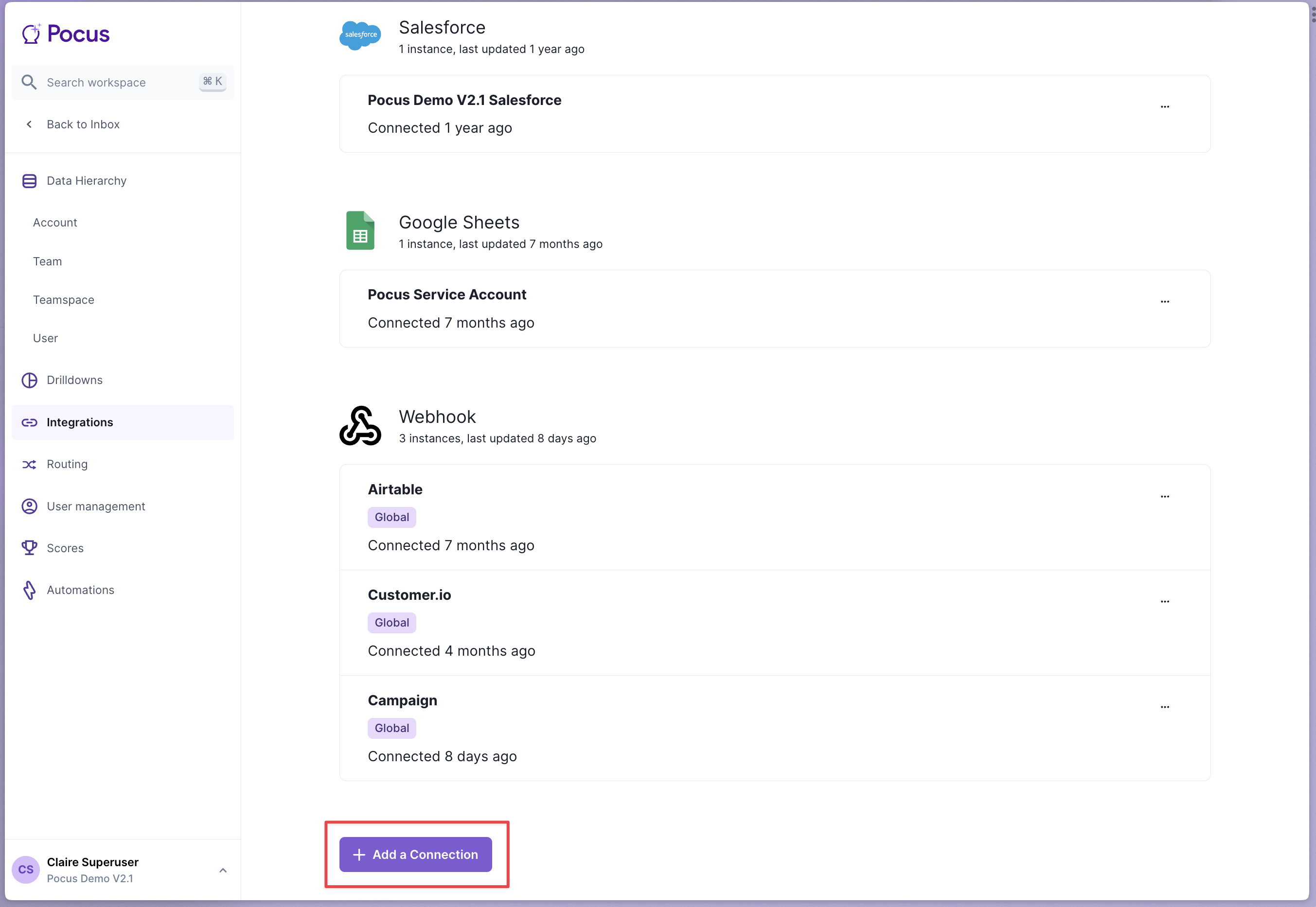
- Navigate to the Pocus Integrations Page and select Add a Connection
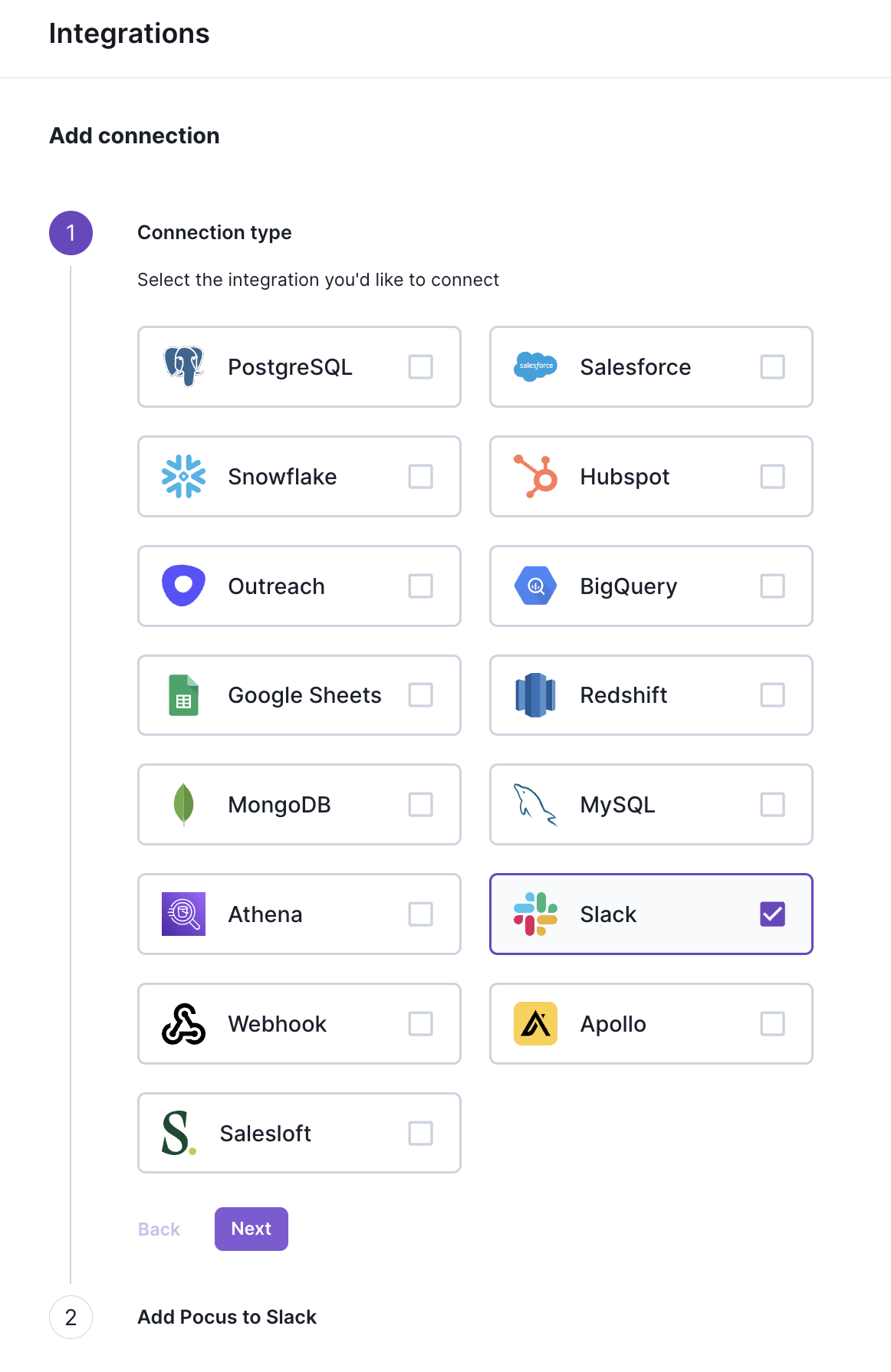
- Press the "Slack" connection button and hit "Next"
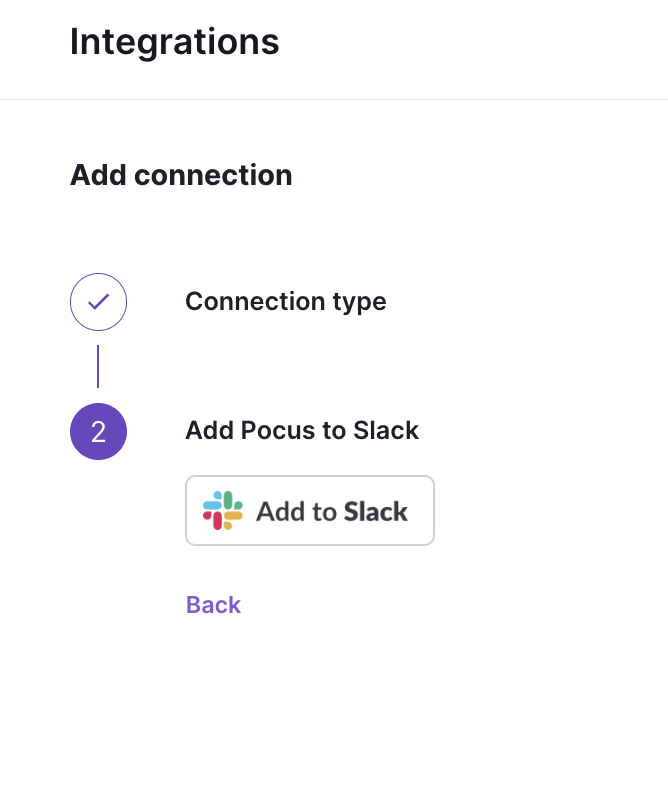
- Click the "Add to Slack" button
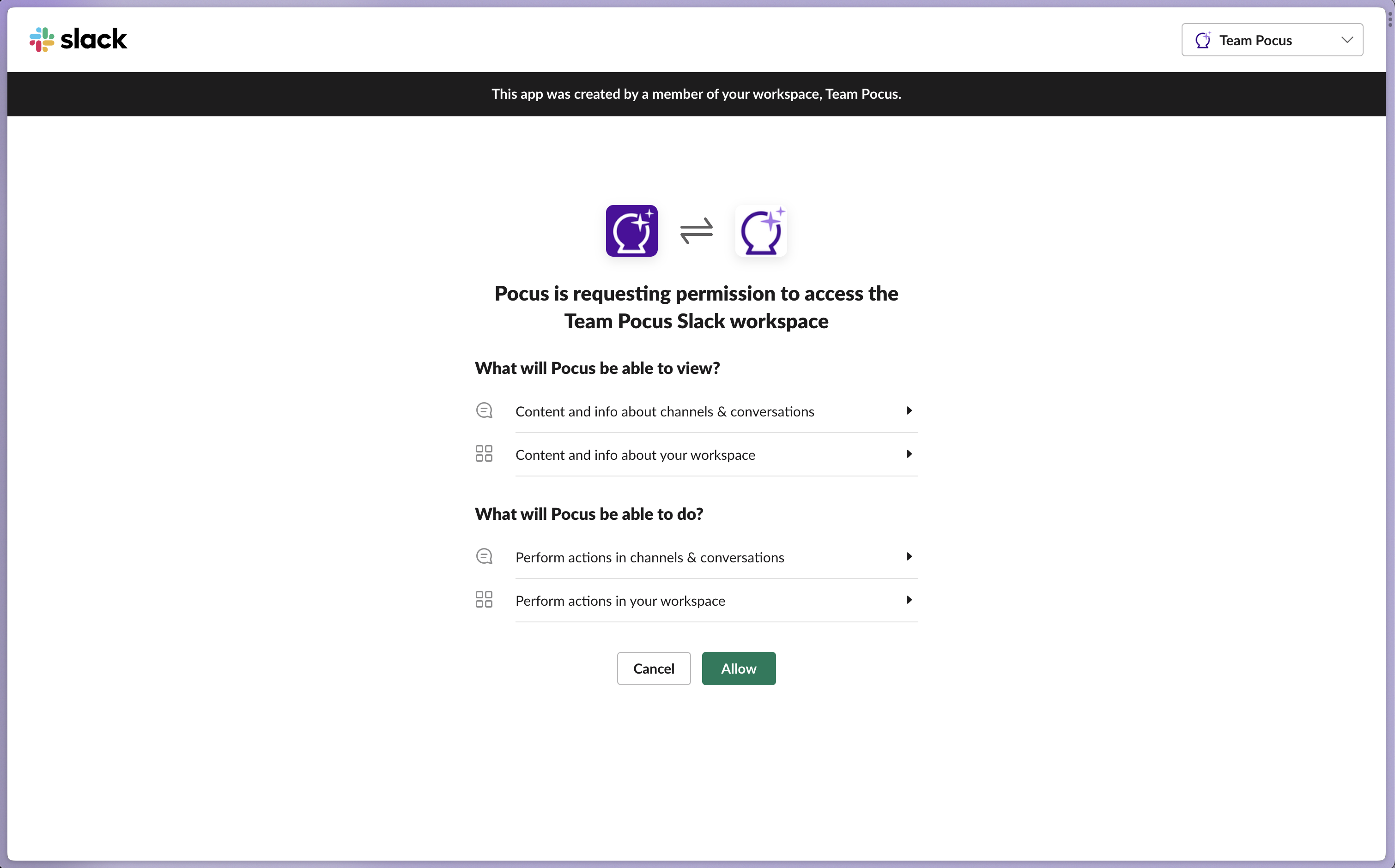
- Press "Allow" to give Pocus access to your Slack workspace
- You're all done! The Pocus Alerts bot for Slack is now added to your Slack instance.
Configuring a channel to receive Slack alerts
- Select what channel you want Pocus to send daily alerts to (we support multiple channels as well). Optionally, you can create a new Slack channel just for Pocus alerts.
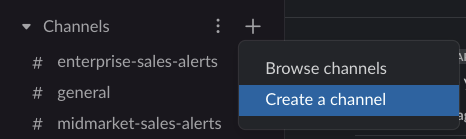
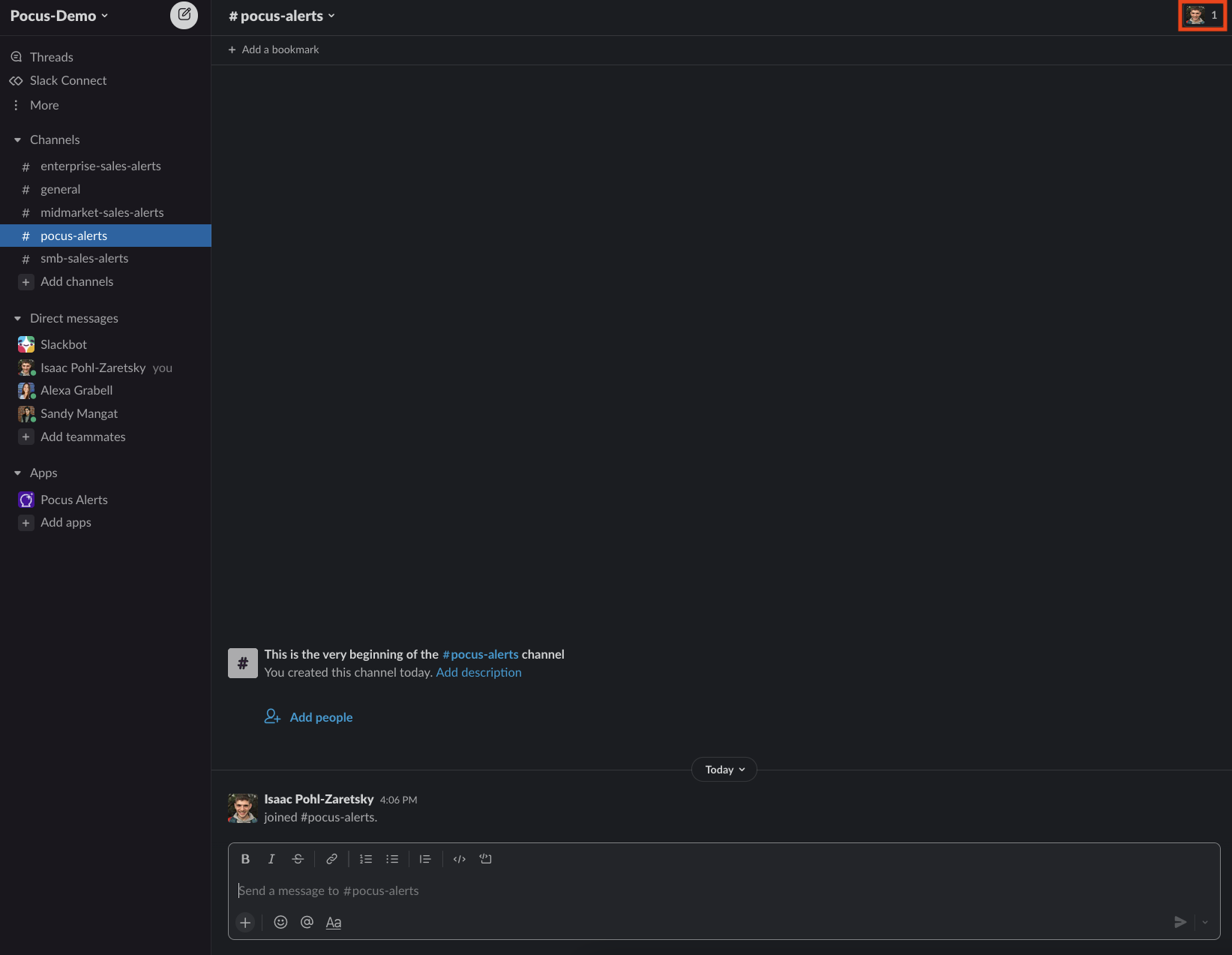
- In the newly created channel, click on the "Members" icon on the top right of the screen
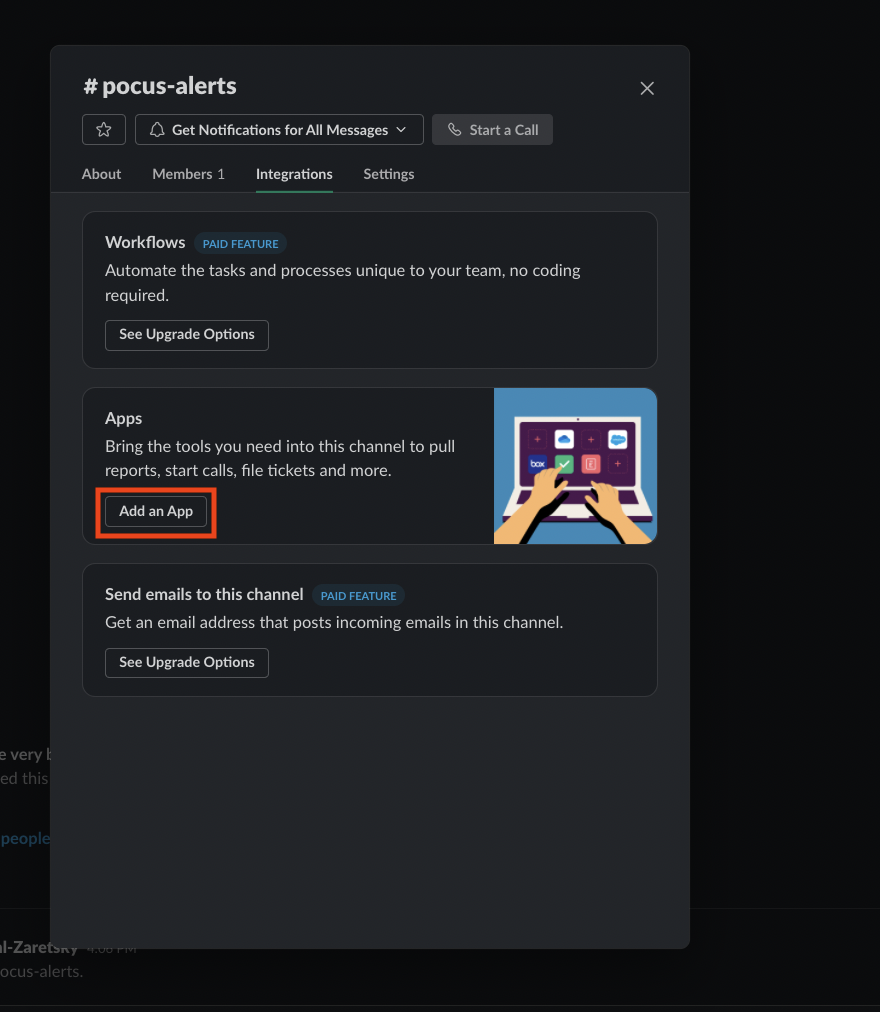
- Switch to the "Integrations" tab and hit "Add an App"
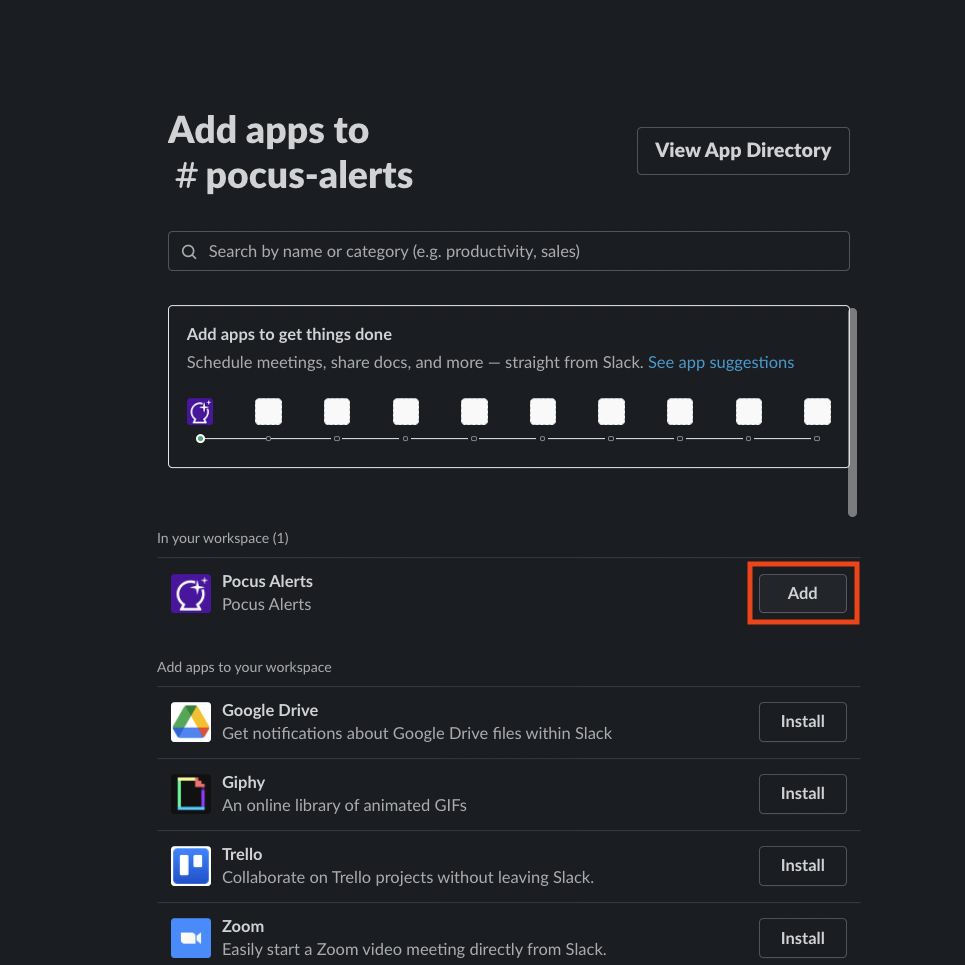
- Hit the "Add" button next to the Pocus Alerts app
- Done! Automations can now send alerts to this channel.
Updated over 1 year ago