

Clari Groove
How to integrate with Clari's Groove
Why connect Groove and Pocus?
The Groove integration can be used for quickly adding users to Groove Flows. This allows your sales rep to quickly take Groove actions on users they identify in Pocus and enables acceleration of your current Groove workflow.
The Groove integration relies on a Salesforce integration being present, as Contacts / Leads must exist in SFDC in order to be enrolled.
Setting up the Groove integration in Pocus
- Navigate to the Pocus Integrations Page and press Add a Connection
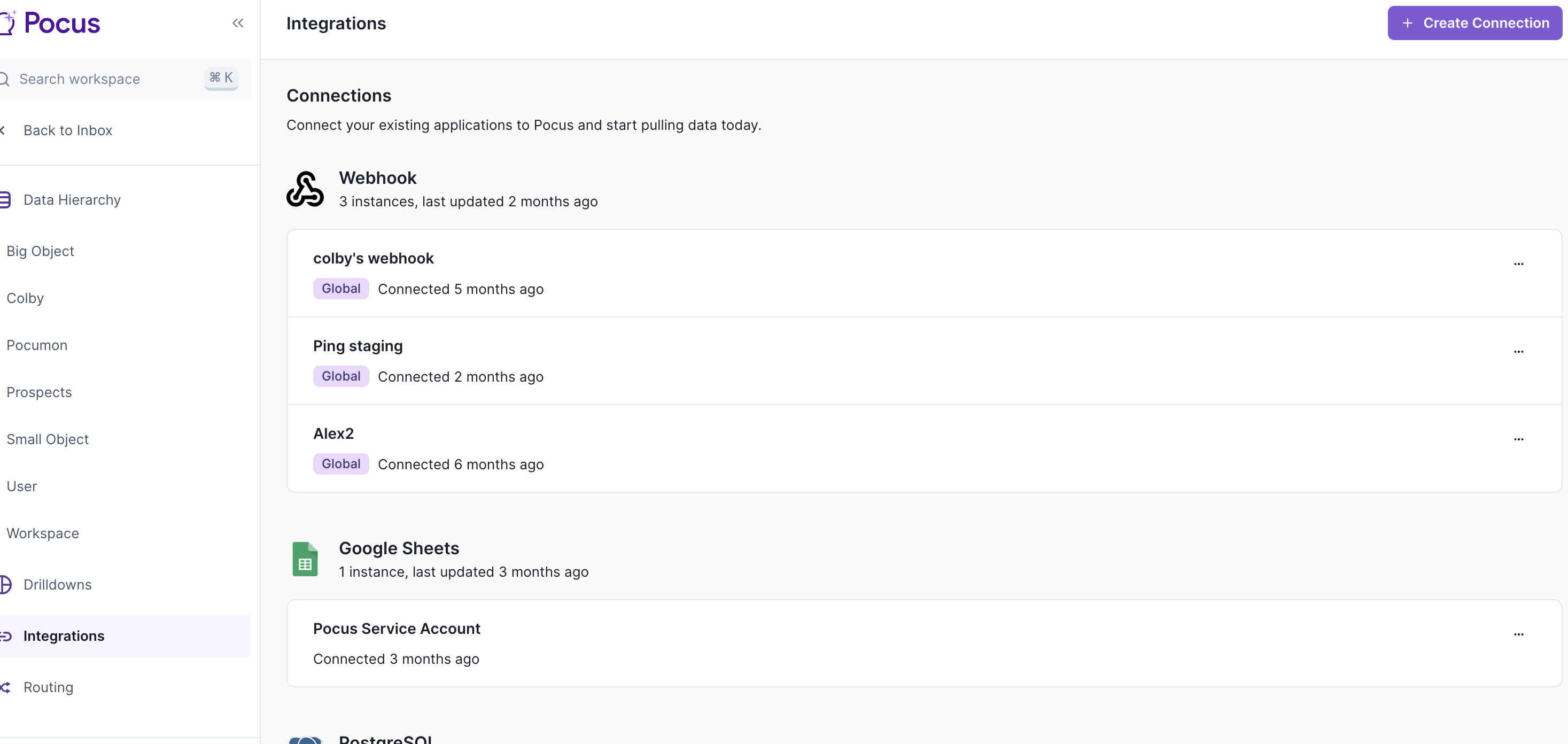
- Select the Groove connection type and press Next
- Enter the name for this Groove instance. It can be helpful to include the integration user name here, and press Next
- Toggle on Global Connection if you are the admin configuring. This will mean the action configuration will be tied to the global integration user. Individuals will be asked to authenticate their Groove accounts when they first take an action.
- Press Login with Groove and, if prompted, log in with your Groove credentials
- Press Allow
- The Groove connection is now set up!
Validating the connection with Pocus
Navigate to the Pocus Integrations Page and press the menu button next to the newly created Groove connection.
Press the Validate button
If the connection with Groove is set up correctly, you will see a green notification at the bottom of your screen. If an error appears, please contact our team for assistance.
Updated about 1 year ago