

Outreach
Pocus connects with Outreach as a destination making it easy for reps to take action.
Pocus allows you to add users directly to an outreach sequence in one click. Reps can send high-priority leads that land in their Inbox directly to a curated list of Outreach sequences.
To start configuring Outreach actions in Pocus, an admin must first configure a global Outreach integration. This gives Pocus access to high-level Outreach data––sequences, custom fields––and gives a fallback user for automated Outreach actions.
Every Pocus end-user that invokes an Outreach action will also be asked to OAuth and validate their own connection the first time they use the tool. This ensures that all Outreach activities (e.g., prospect creation, ownership, enrolling) are attributed to the correct end-user.
Setting up a Global Outreach Integration
- Navigate to the Pocus Integrations Page and click the Create Integration button located at the top right of the page

- Select the Outreach connection type and press Next
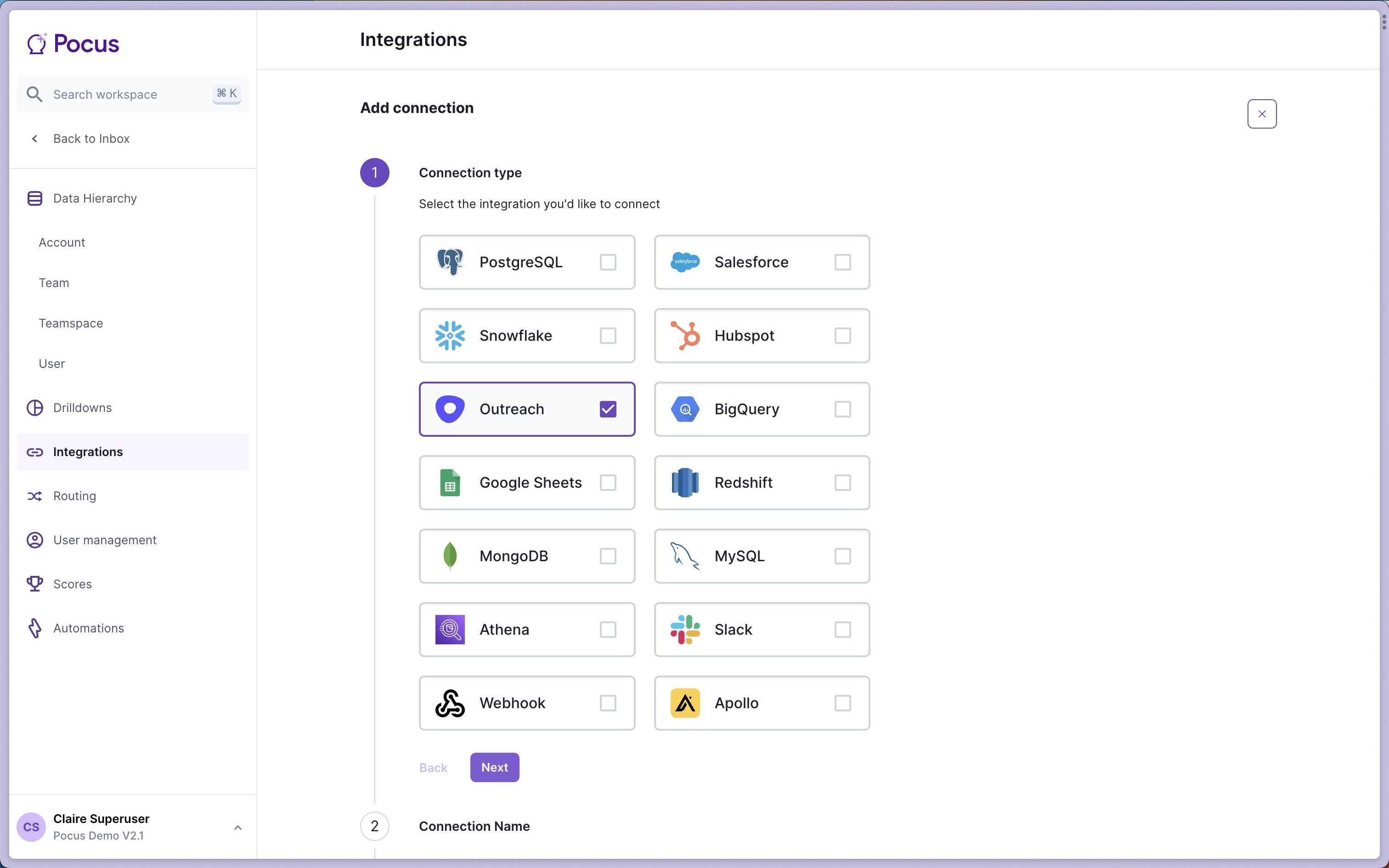
- Enter a name for this connection and press Next. It can be helpful to add the name of the user creating the connection.
- Ensure that the
Set as global Outreach integrationis toggled on. Then click Login with Outreach.
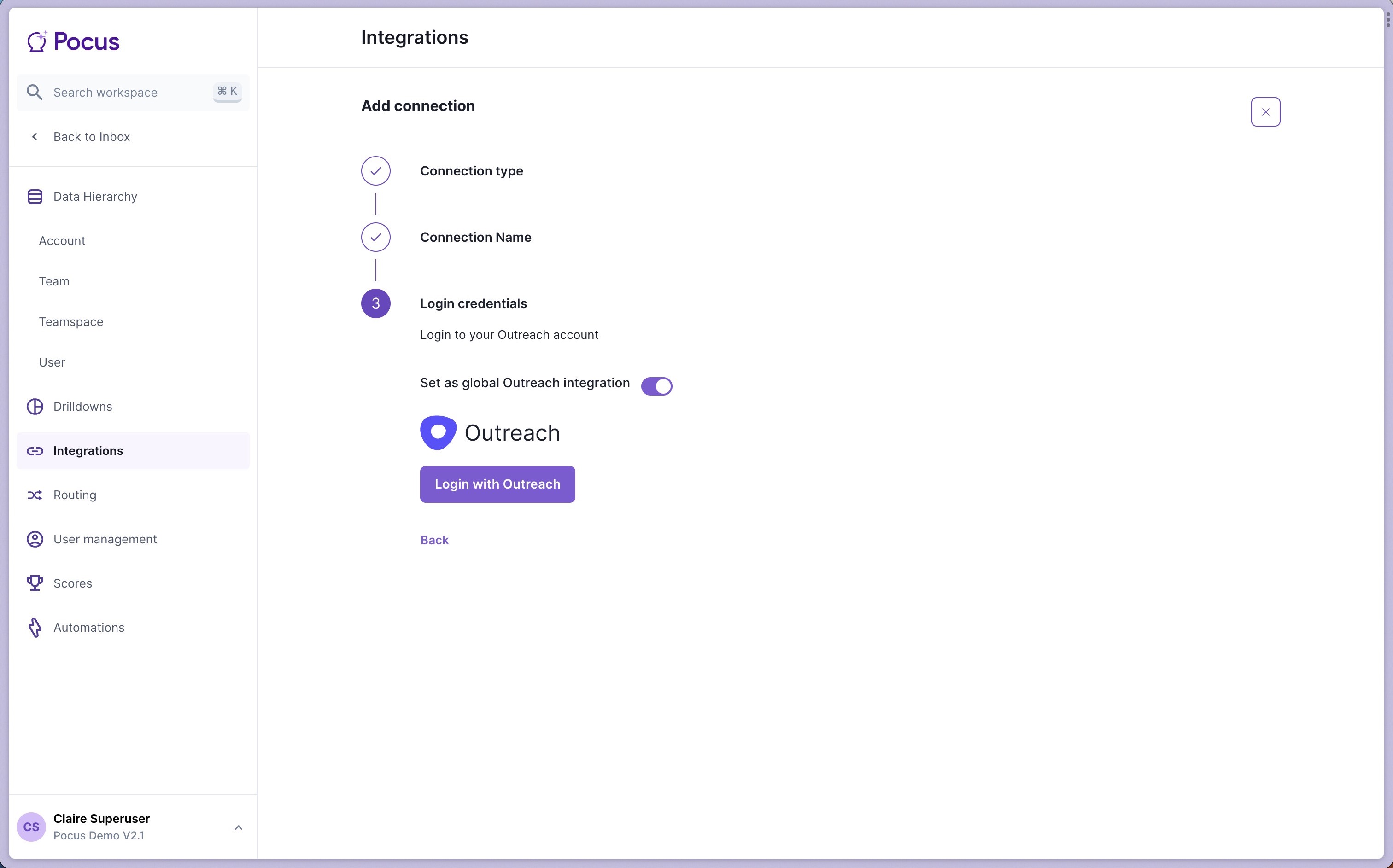
This initial setup will allow you to configure Outreach actions and give access to sequences for setup in the Pocus workspace. This user will not be used for any manual action invocations, only automated.
The Outreach Integration user will need permissions to read sequences, read and create prospects, and add prospects to sequences.
End-user Outreach authentication
The first time an end-user clicks on any Outreach action throughout the workspace, they will be prompted to connect their Outreach account before proceeding.
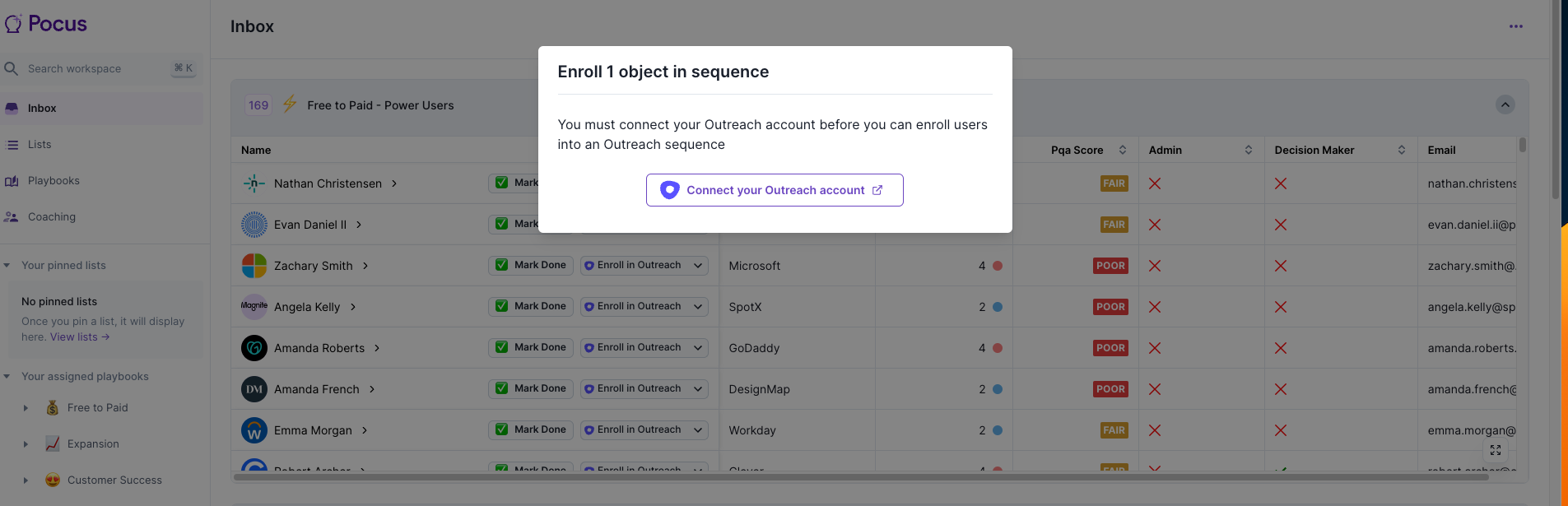
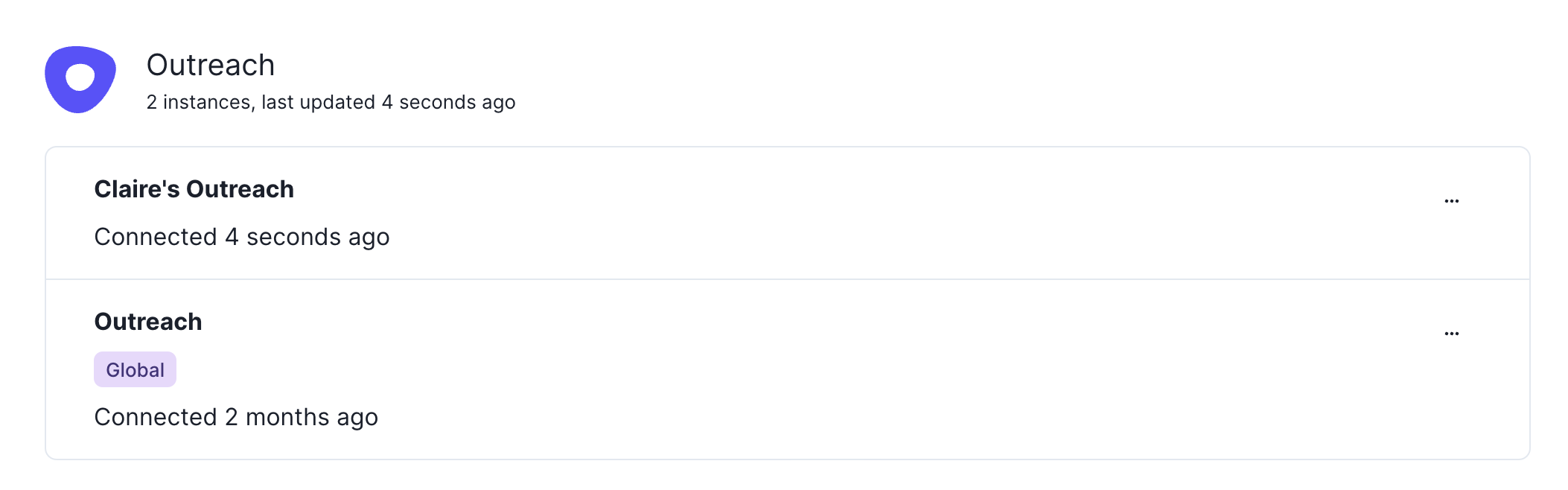
This modal takes end-users through an Outreach OAuth workflow that only needs to be performed one time. Once connected, end-users will see both connections (Global & Personal) appear when they visit the Pocus Integrations page.
Updated 12 months ago