

Okta Custom User Attributes
Adding custom attributes allows Pocus to pull these values when a user logs in via Okta SSO.
Setting first and last name
The default value for Name in Admin Portal ➜ Profile is the users' email prefix.
A user with the email address [email protected] will have john.doe as the Name

You can setup your Okta app so Poucs pulls the firstName and lastName attributes, and populate them in the user profile:

For first name, we accept the following claims:
name \ Name \ firstname \ firstName \ FirstName \ first_name
For last name, we accept the following claims:
surname \ Surname \ lastname \ lastName \ LastName \ last_name
-
Go to the app settings in
Edit ➜ General ➜ click EditunderSAML Settings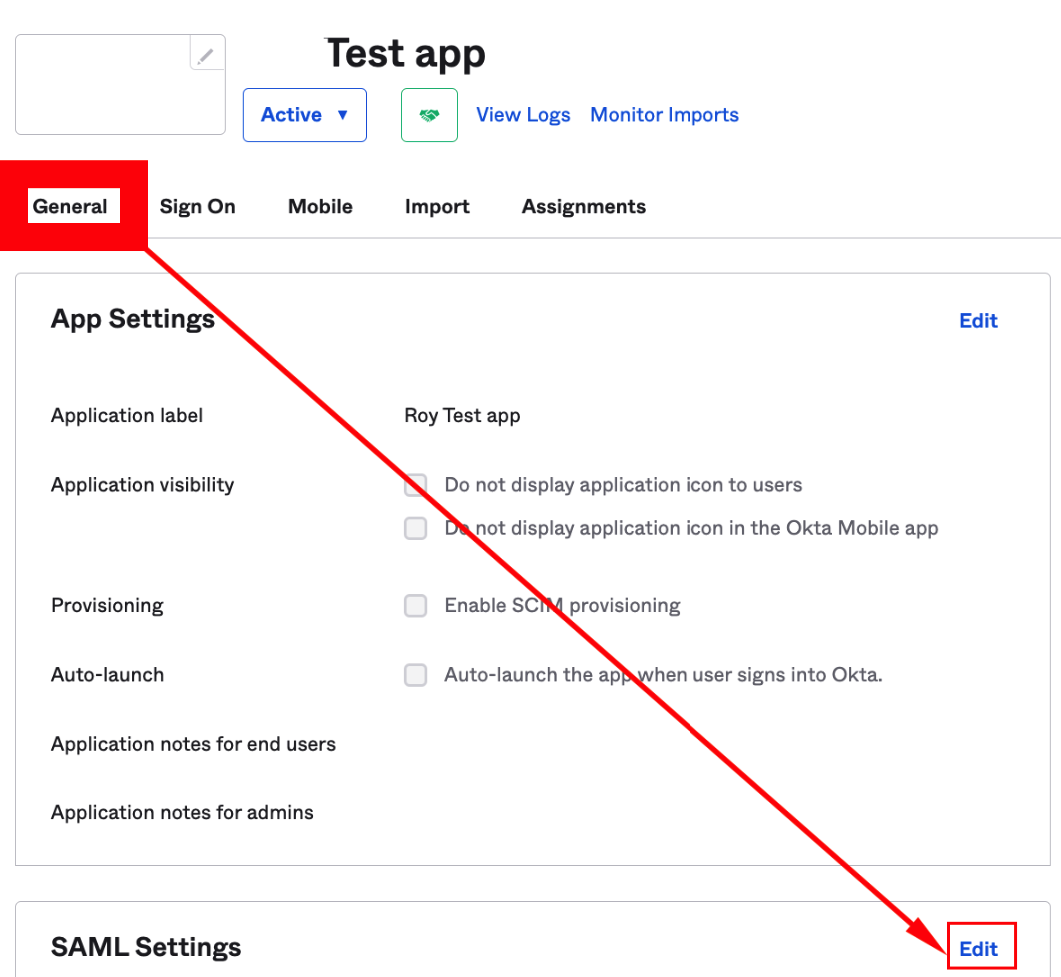
-
Continue to page 2
Configure ASML -
Add
firstNameandlastNameproperties. Use the drop down to select the values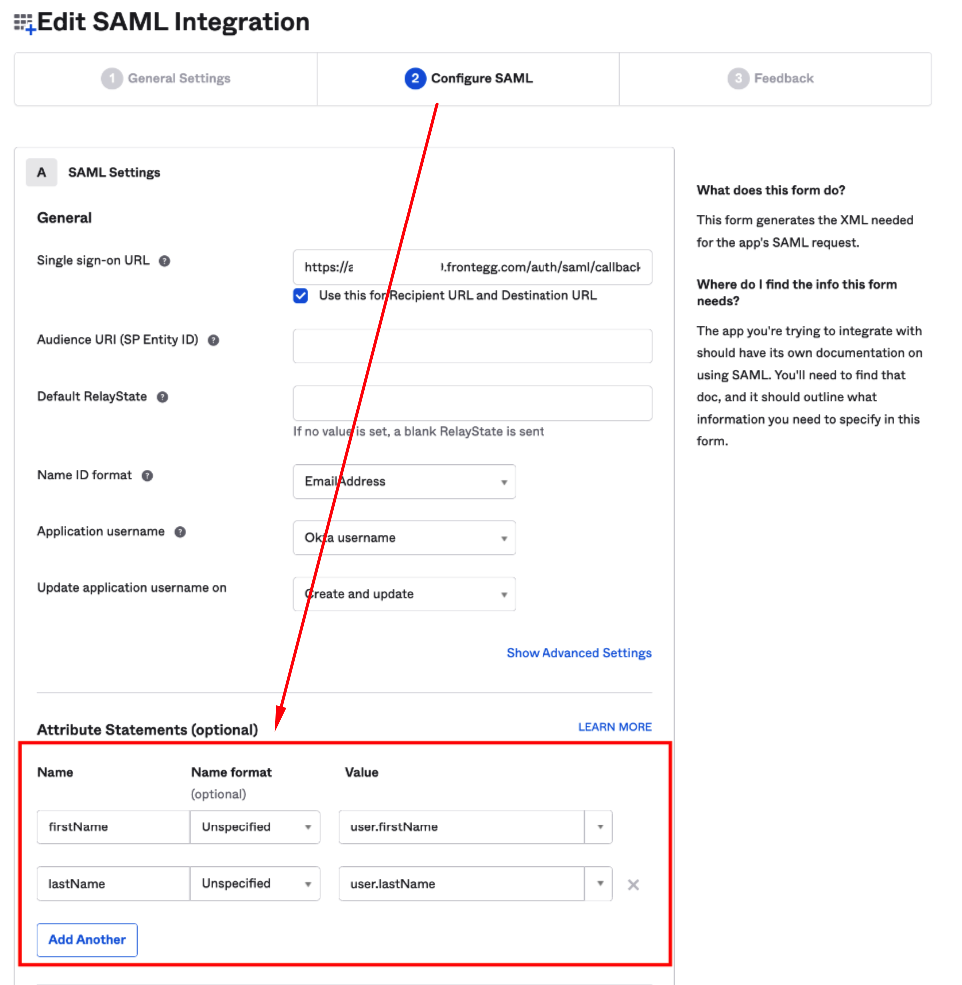
And you're done!
Setting custom group attributes
It is also possible to set up group statements from the same page with different filters
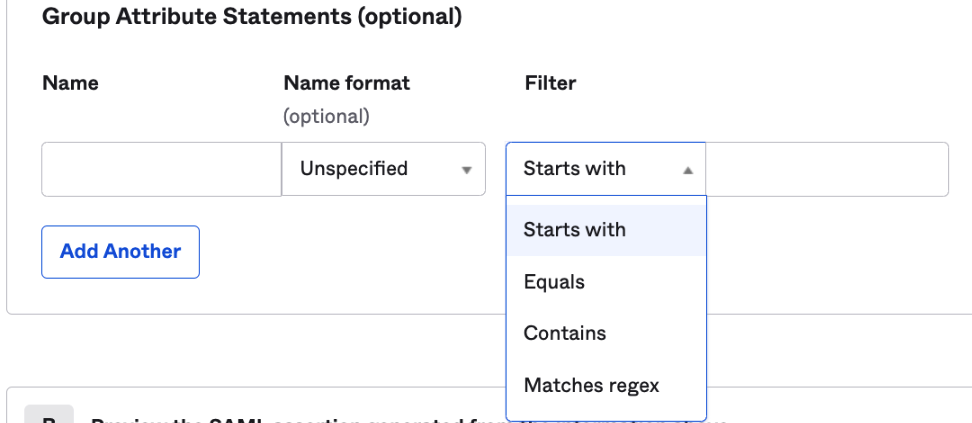
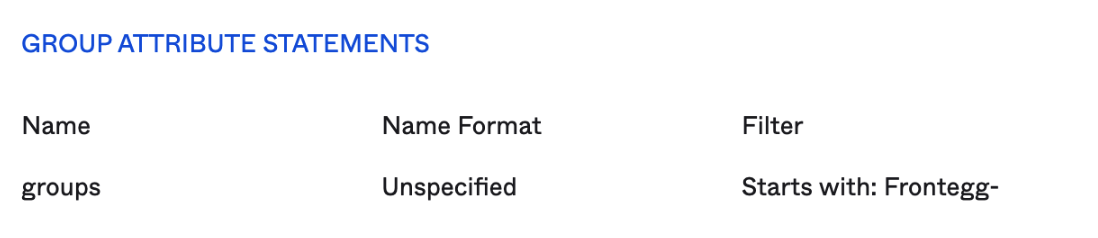
For example:
Updated over 1 year ago