

Apollo
Pocus connects with Apollo as a destination making it easy for reps to take action.
Setting up your Apollo Integration
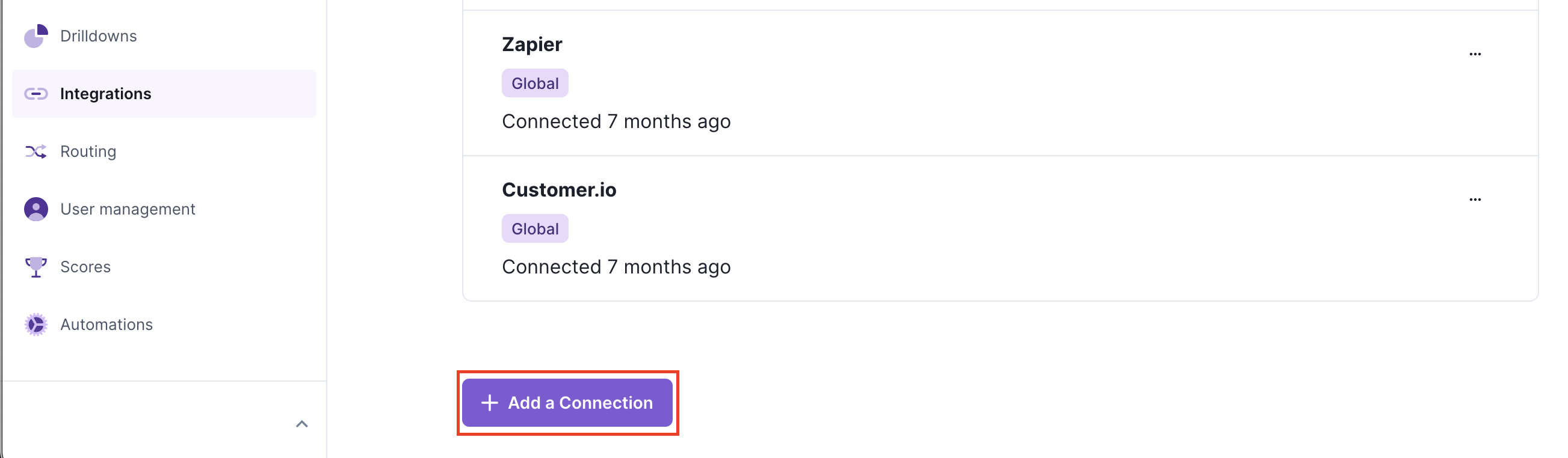
- Navigate to the Pocus Integrations Page and press the Add a Connection button located at the bottom of the page
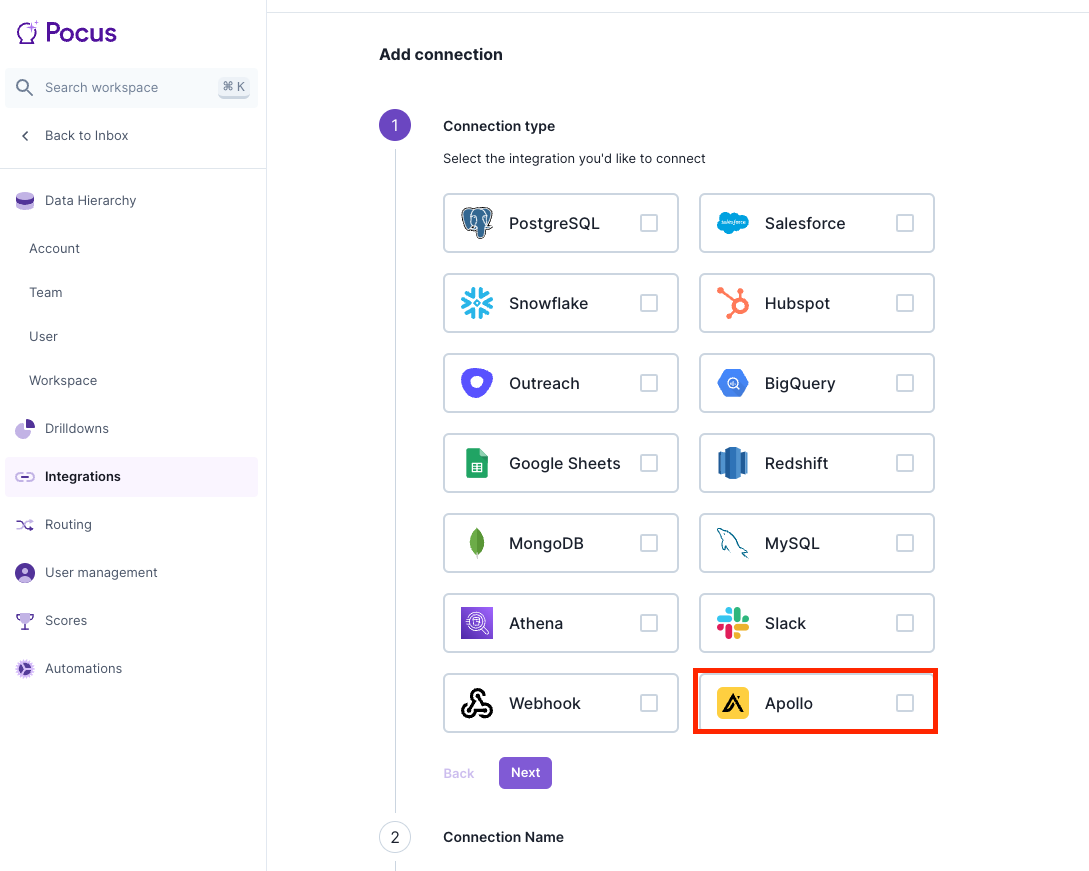
- Select the Apollo connection type and press Next
- Enter the name for this connection (something like "Apollo" is fine) and press Next
- Enter your Apollo API key. If you do not have one yet you can create one by following the below steps.
Generating an API Key in Apollo
More detail may be found in the Apollo authentication API spec.
- Navigate to https://developer.apollo.io/keys
- Click "Create New Key"
- Enter a helpful name and description for the key
- Leave APIs blank and toggle "Set as Master Key"
- Copy the generated key into Pocus
Updated over 1 year ago