

Data Refresh
What is Data Refresh
Data refresh is the process Pocus goes through on a set schedule to pull information from your connections and update all object instances. Pocus only runs queries against your source data during these refreshes. The app then uses a cached version of the data to display and filter. The frequency of Data Refresh will depend what plan you are on, our default data refresh is once daily. If you would like to increase the frequency of these refreshes, or change the time of your refresh, please reach out to the Pocus team.
Changes such as adding a new Field or Query will require a full data refresh to see the changes surface in your Workspace. Other changes, Updating Playbooks and Goals in particular, will automatically invoke a partial refresh. Partial refreshes can take up to 15 minutes to surface the results of your changes.
Instantaneous UpdatesMany updates to your workspace will not require any refresh these include but are not limited to: Changing list filters, Updating Drilldowns, Changing Signal Conditions, and Configuring Scores
Ad-Hoc Data Refresh
In addition to scheduled data refreshes, you can also trigger ad-hoc data refresh runs. This is useful when you need to see immediate updates based on recent changes.
To initiate an ad-hoc refresh, navigate to the Data Hierarchy page and click the Run Now button (see screenshot below for reference).
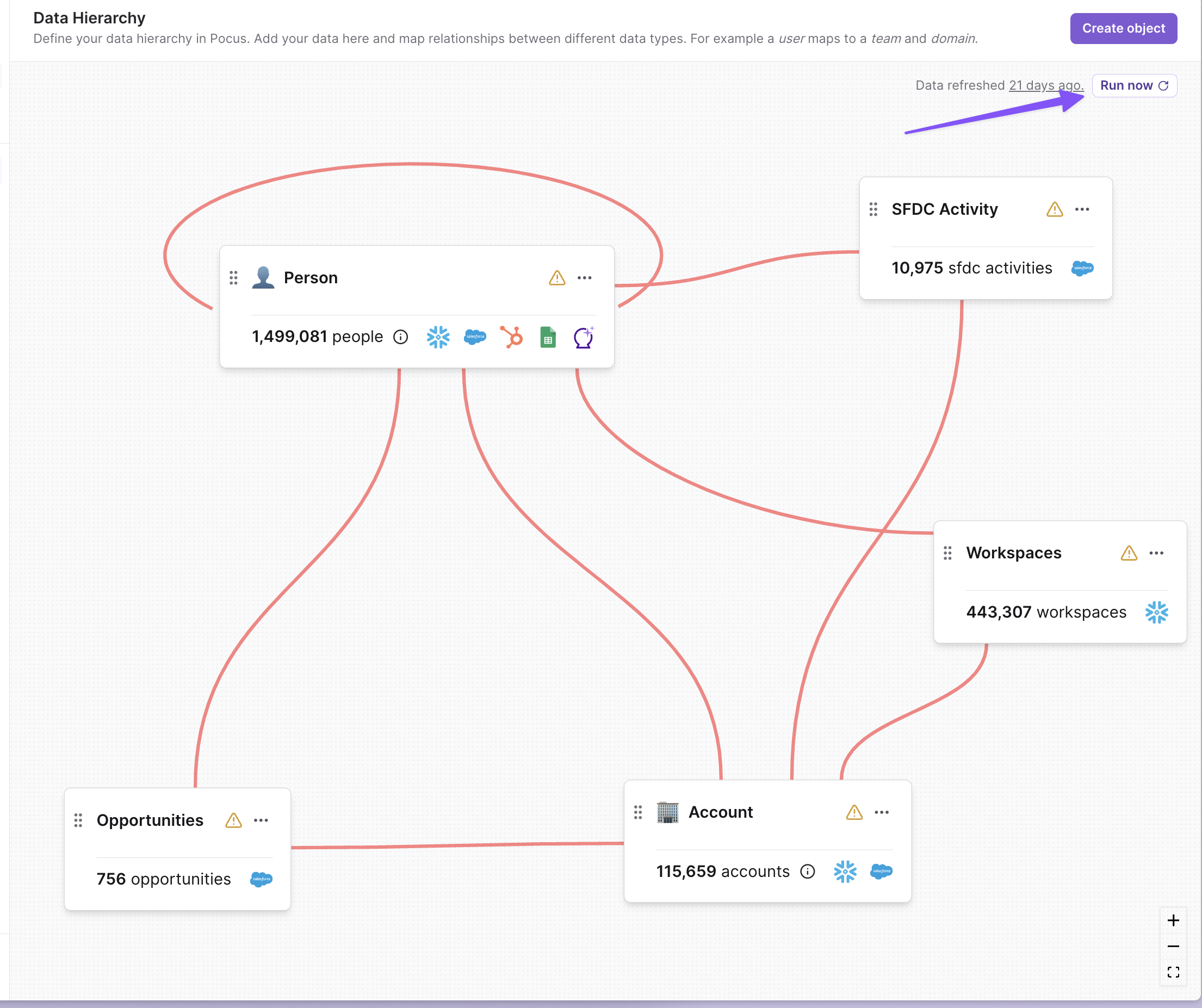
You will then be prompted with an option to "Run queries" and/or "Run automations". Here's what those options mean:
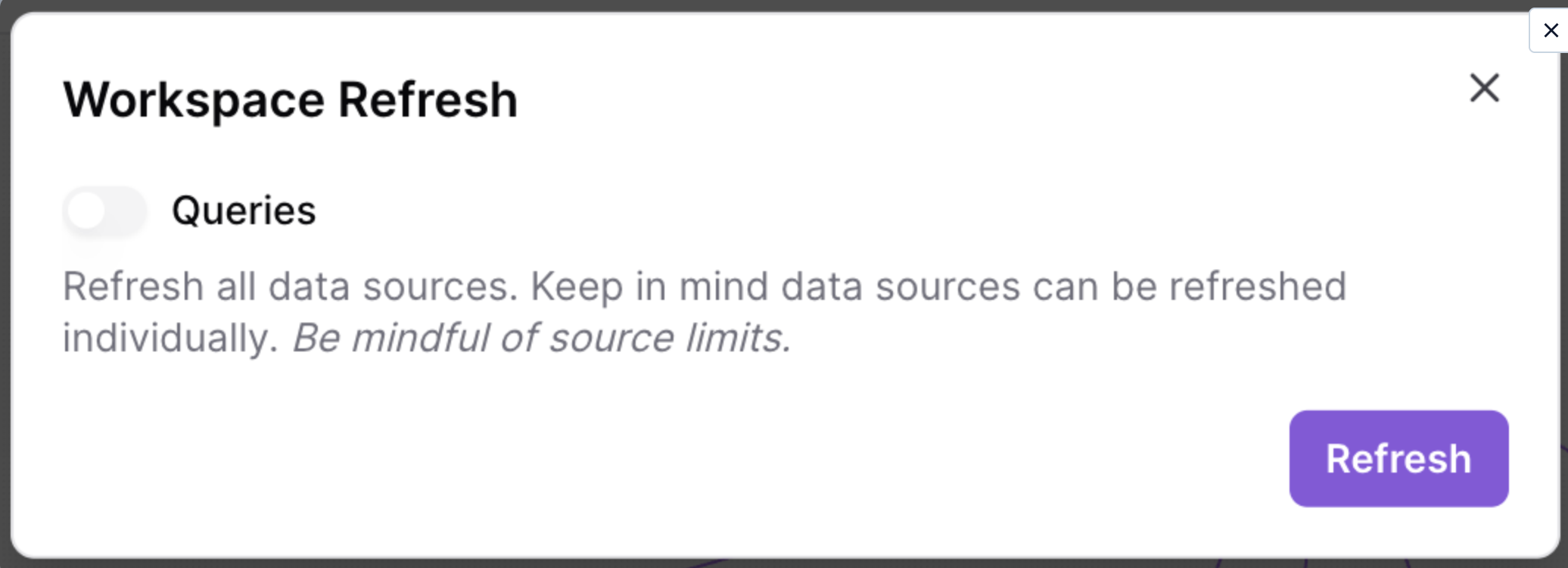
- Run queries: Choose this option if you have made changes to your underlying data sources (e.g., Salesforce, Snowflake, etc.) and want to update existing fields or pull in new fields from these sources. If you have only made changes to calculations or Pocus settings (e.g., key fields, associations, enrichment) within Pocus, you do not need to toggle on the "Run queries" option.
- Run automations: Choose this option if you want to trigger all playbooks to run as well.
Updated 8 months ago