

How To Videos for Reps
Need a quick refresher or looking to master Pocus features? Whether you’re new to Pocus or looking to sharpen your skills, these videos provide step-by-step guidance on working smarter with Pocus.
Getting Started with Pocus
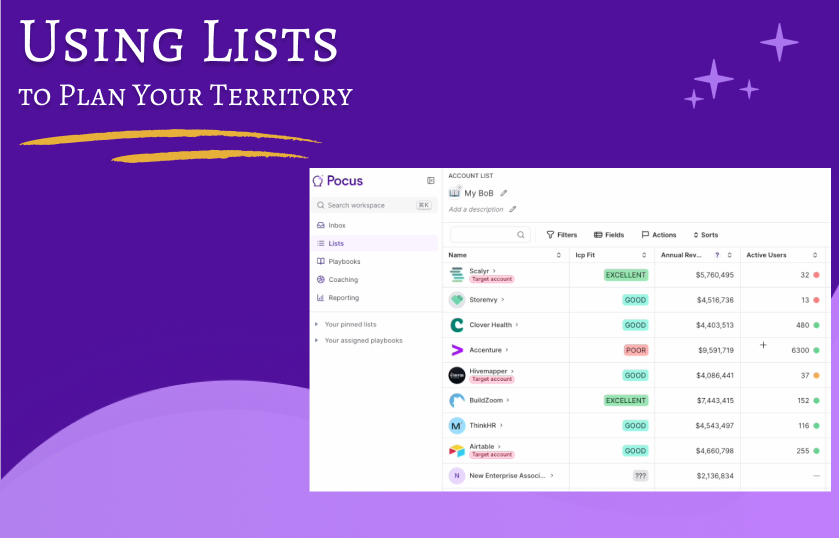 | Using Lists To Plan Your Territory: New Book of Business? Learn how to use Pocus Lists to strategically organize your accounts.
|
 | Research Accounts With Drilldowns & AI Strategy: Learn how to use Drilldowns to deep dive into your accounts in mere minutes.
|
 | Prospecting With Playbooks: Targeted prospecting saves time and delivers results! Learn how to use Playbooks and the Prospecting Tool effectively. |
 | A Day In The Life of A Pocus User: Follow along to learn how you can use Pocus throughout your day to set yourself up for success! |
Working With Lists
 | Lists Overview: Learn the power of Lists! Customize and configure lists to explore and manipulate your data.
|
 | Add Action Buttons To Lists Supercharge your Lists capabilities by adding Actions! |
 | Creating a List from a CSV Need to action a comma separated list of users? Build a list with Pocus based on your CSV! |
Working With Filters
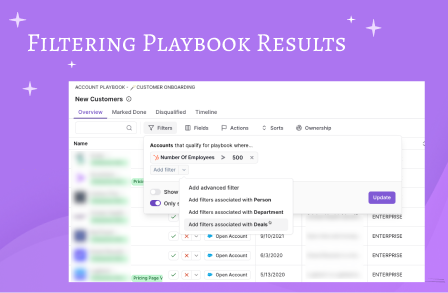 | Filtering Playbook Results: Learn how to use filters to hone in on a narrower subset of Playbook results. |
 | Using Associated Objects Filters In Lists: Want to see only users associated to a particular account? Use Associated object Filters! |
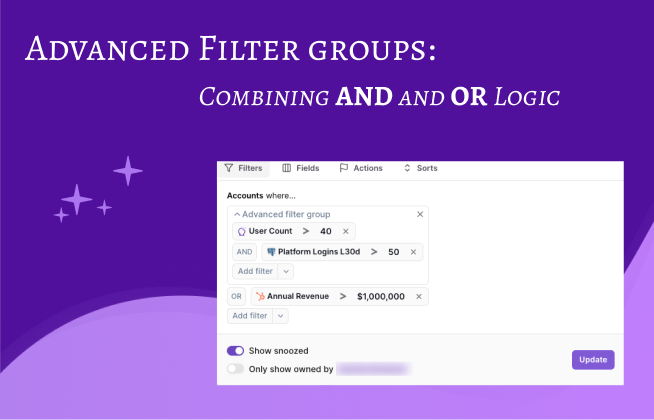 | Advanced Filters: Combining AND & OR Logic: Easily create complex filters with the use of AND as well as OR to refine your results.
|
Additional Features
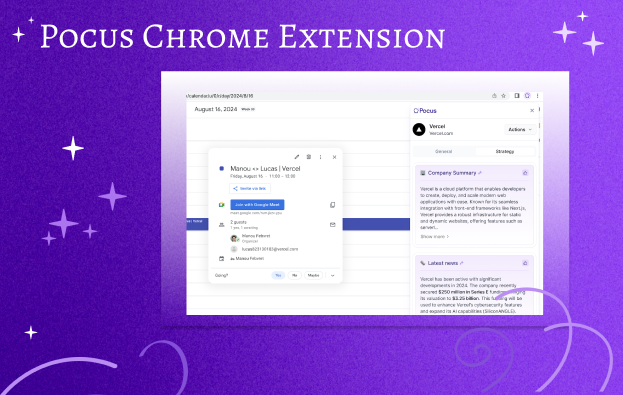 | Pocus Chrome Extension: Get insights right from your calendar. Prepping for meetings has never been easier!
|
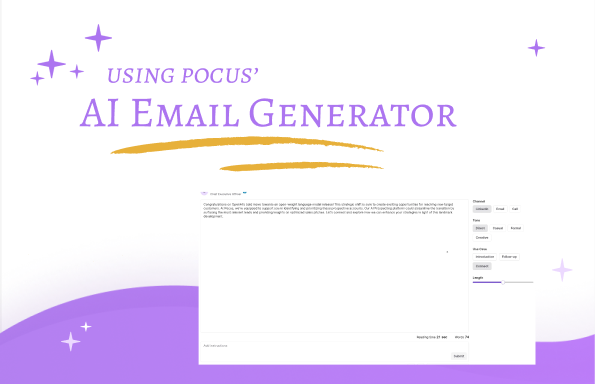 | AI Email Generator: Craft the perfect messaging in seconds with Pocus' AI Email Generator! |
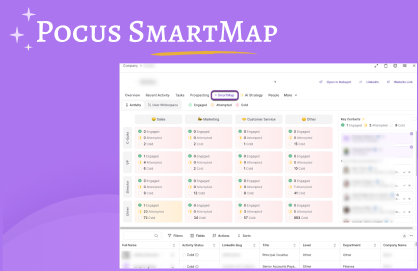 | Pocus Smart Map: Introducing a new way to dig into your accounts and visualize engagement. |
Updated over 1 year ago