

How To Videos for Admins
These help videos provide walk-through guidance on configuring Pocus, managing data, and administering your Pocus workspace.
User Management
Creating and Configuring Playbooks
Understanding Your Data and Using POQL
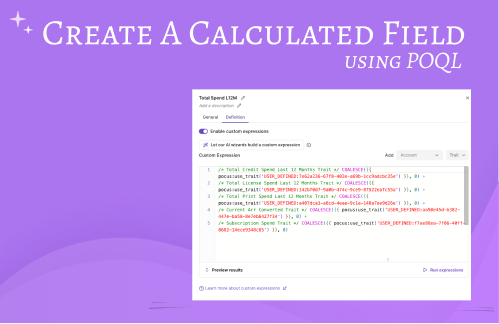 | Create a Calculated Field: Learn how to use POQL to create a calculated field. |
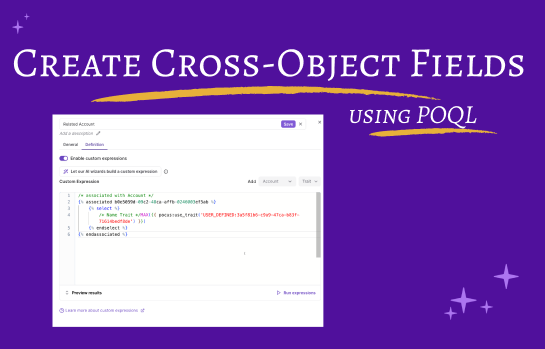 | Create Cross Object Fields: Need the related Account name on the User Object? |
 | Understanding Data Refreshes: Learn how data syncs to Pocus work in this primer on data refreshes. |
 | Understanding Your Data: Explore where your data points are being used within Pocus
|
 | How To Add A Field From Salesforce: Learn how to bring in a new Salesforce field into your Pocus workspace. |
 | How To Recognize And Update Signals: An introduction to Signals and how they can be leveraged within Pocus! Coming Soon! |
Updated over 1 year ago